
Article directory
Considering opening a bank account in Singapore ? 🏦 Don't miss this complete guide!
We provide you with practical advice on how to avoid common problems, so you can easily avoid all pitfalls in the account opening process! 💼
Whether you're a beginner or experienced, these tips can help you! 📚 Learn more ✨
1. Why choose OCBC Bank Singapore? 🤔
Among so many overseas banks, why do you recommend OCBC Bank of Singapore?
There's a reason for that!

1. Open an account online, fast and convenient!
No need to go to Singapore in person, you can easily open an account by operating on your mobile phone or computer!
Isn’t it super convenient?
2. Low account opening threshold and flexible capital requirements!
No need for huge deposits, you can easily open an account with a small amount of money!
This is great news for many people who are just starting to invest!
3. Rich products to meet diverse needs!
In addition to providing basic banking services, OCBC Bank of Singapore also offers a variety of investment and financial products to meet your different investment needs!
4. All-Chinese service, barrier-free communication!
For many friends who are not good at English, language barrier is a big obstacle.
But OCBC Bank Singapore provides all-Chinese services, allowing you to communicate without barriers!
2. What materials do I need to prepare to open an account? 📝
If you want to open an account smoothly, preparing the required materials in advance is a key step!
1. Valid ID
You will need a valid passport and ID card.
Remember to check the validity period of your documents in advance!
2. Proof of address document
You can use a utility bill, bank statement, etc. as proof of address.
Make sure the name and address on the document matches the personal information you provided.
3. Proof of income (optional)
In some cases, banks may ask you to provide proof of income.
This could be a proof of employment, pay slip, or tax bill, etc.
3. What is the account opening process? 🤔
After preparing the required materials, you can start opening an account online!
The whole process is very simple, just follow these steps:
Are you still worried about the online account opening process of OCBC Bank in Singapore? We have prepared a detailed activation process guide for you, you will learn it at a glance! 📚
🌐 Click the link below to learn more:
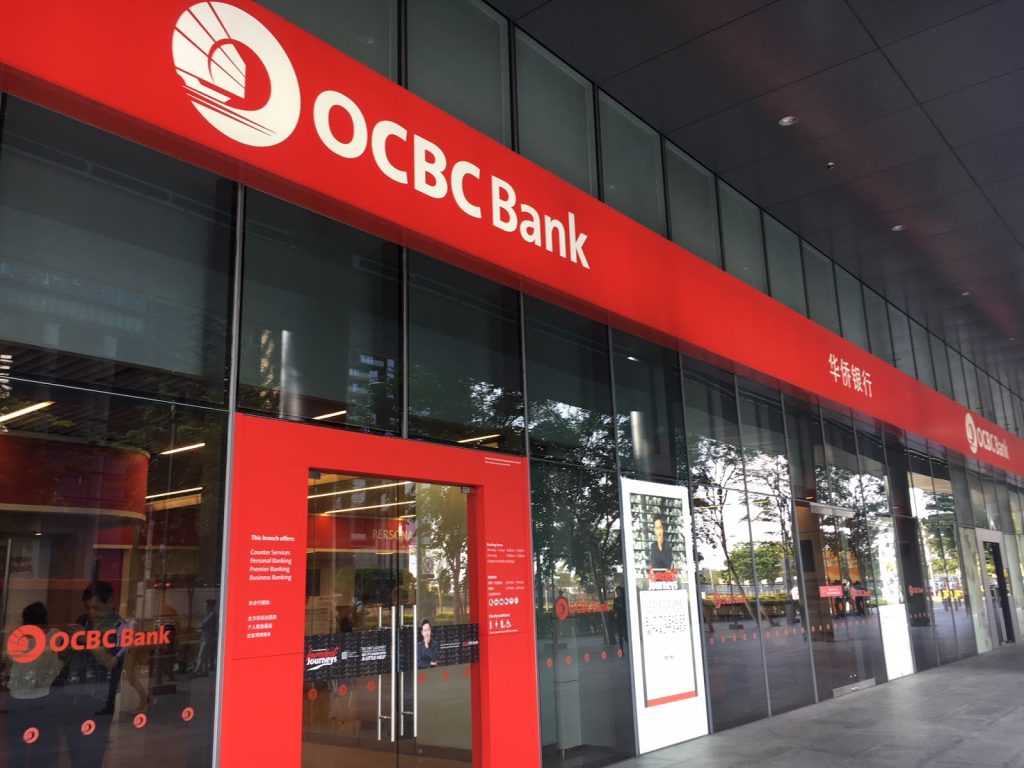
OCBC Bank Introducer Code: XCJT37JB
- Only fill in the "Introducer Code":XCJT37JB.Open a bank account with OCBC Bank and deposit S$1,000 or more to activate your account to receive a S$15 opening bonus!
- As long as you use the above referral code, it will usually be approved in seconds.
🎯 Don’t want to miss this guide full of useful information? Click here to check it out, opening an account is no longer difficult! 💪
1. Download the Mobile Banking App
In Apple orAndroidSearch the Play Store for "OCBC DigitalDownload OCBC Bank’s Mobile Banking App.
2. Select account type
Choose the appropriate account type according to your own situation.
3. Fill in your personal information
Fill in your personal information as prompted and make sure it is accurate.
4. Upload relevant documents
Upload your ID, address proof, and other required documents.
5. Video Verification
After completing the information and uploading the documents, you will need to undergo video verification.
Bank staff will check your information with you online to confirm your identity.
6. Waiting for review
After completing the video verification, you just need to wait patiently for the bank’s review!
Generally, the review time is 3-5 working days.
7. Account opening successful
After the review is passed, you will receive an email notification from the bank, congratulations on your successful account opening!
4. What should I pay attention to when opening an OCBC account? 🤔
Although the online account opening process is simple, there are some details that you need to pay attention to to ensure a smooth account opening!
1. Stable network environment
During the account opening process, you need to upload files and conduct video verification. It is recommended to choose a place with a stable network environment to perform the operation to avoid network interruptions affecting the account opening progress.
2. Fill in the information accurately
When filling in your personal information, please check carefully to ensure that the information is accurate.
Once submitted, modifying the information may be troublesome.
3. Documents are clearly visible
The identity documents, address proof documents, etc. uploaded must ensure that the photos are clear and the documents are complete.
Blurry photos or incomplete documents may result in a failed review.
4. Wait patiently for review
After submitting your application, just wait patiently for the bank to review it.
If you do not receive a reply for a long time, you can contact the bank’s customer service to inquire about the progress.
5. Summary
how about it?
After reading this article, do you think it is very simple to open an online account with OCBC Bank Singapore?
Don't hesitate any longer!
Take action now and start your journey to wealth freedom! 🚀
Want to know more about OCBC Bank online account opening in Singapore?
Click the link below for more details!
OCBC Bank Introducer Code: XCJT37JB
- Only fill in the "Introducer Code":XCJT37JB.Open a bank account with OCBC Bank and deposit S$1,000 or more to activate your account to receive a S$15 opening bonus!
- As long as you use the above referral code, it will usually be approved in seconds.
Hopefully, the article "What Should You Pay Attention to When Opening an Account with OCBC Bank in Singapore? Frequently Asked Questions and Practical Advice" shared on Chen Weiliang's blog ( https://www.chenweiliang.com/ ) will be helpful to you.
Feel free to share this article's link: https://www.chenweiliang.com/cwl-31915.html