
Diréktori Tulisan
- 1 Naha bagian koméntar henteu ngadukung kode pondok?
- 2 Kumaha carana ngaktipkeun dukungan shortcode pikeun koméntar?
- 3 Kode pikeun ngaktipkeun kode pondok bagian koméntar sacara aman
- 4 最佳实践
- 5 Versi Anu Ditingkatkeun Sacara Dinamis: Antarbeungeut Setélan Backend (Pilarian + Panglompokan + Petunjuk Frontend)
- 6 总结
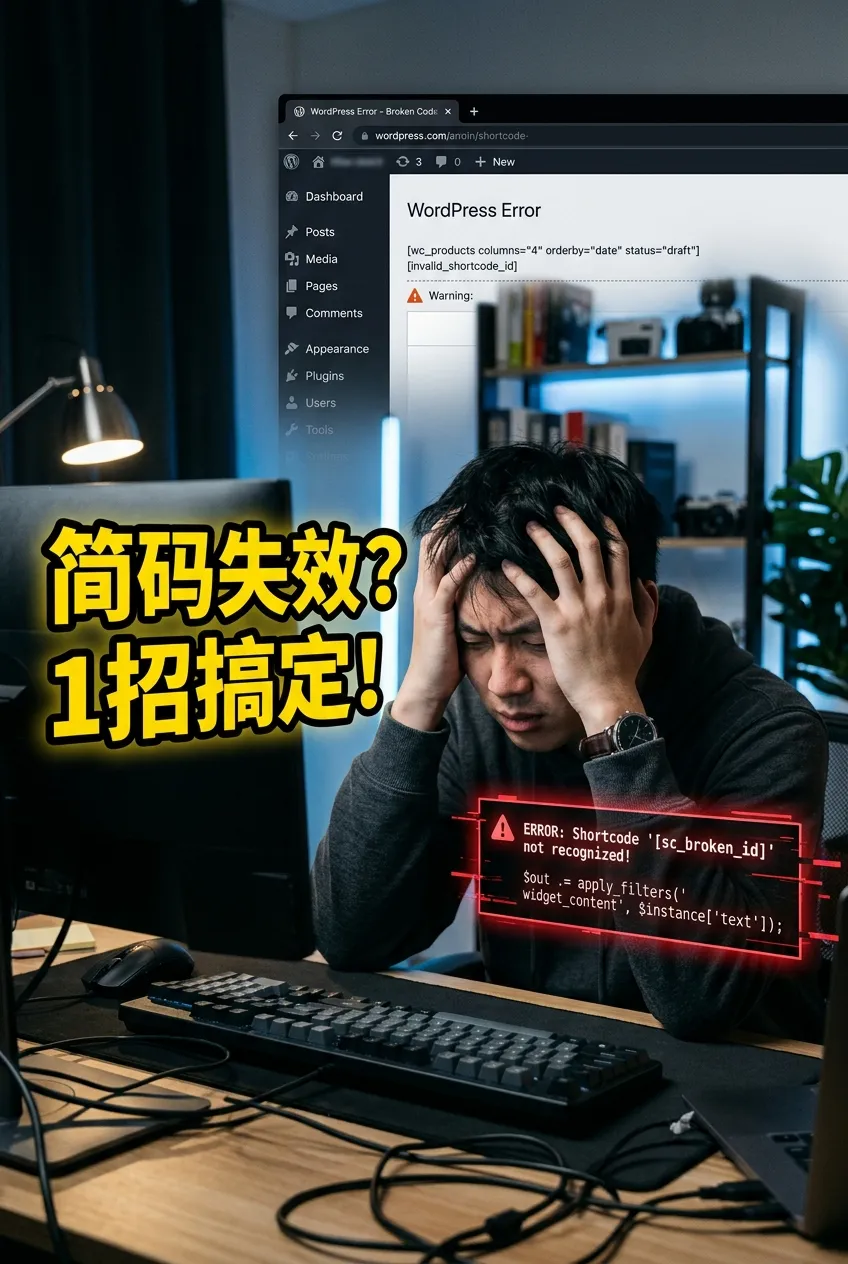
在 WordPress Lebetkeun kana kolom komentar artikelna [shortcode]Nanging, hasilna ngan ukur nampilkeun téks polos tinimbang épék anu dipikahoyong? Ieu sabenerna mékanisme standar WordPress. Di handap ieu, kuring bakal nganalisis sacara sistematis alesanna sareng nyayogikeun solusi anu lengkep.
Naha bagian koméntar henteu ngadukung kode pondok?
Watesan standar
Pikeun alesan kaamanan, WordPress henteu jalan sacara otomatis dina bagian koméntar.do_shortcode()Ieu nyegah pangguna tina sacara sembarangan nyelapkeun formulir, skrip, atanapi eusi sanés anu tiasa mangaruhan kaamanan situs.Ruang lingkup aplikasi anu terbatas
Singgetan ieu utamina dirancang pikeun dianggo dina eusi artikel (the_contentIeu kalebet gadget atanapi plugin khusus, sedengkeun bagian koméntar henteu dirojong sacara standar.Gangguan format otomatis
Téks koméntarna bakalwpautopTambahkeun sacara otomatis<p>和<br>Tag, anu tiasa ngaruksak struktur sintaksis kode pondok, janten teu tiasa diurai.
Kumaha carana ngaktipkeun dukungan shortcode pikeun koméntar?
Aktipkeun kode pondok koméntar
Ngeunaan topiknafunctions.phpTambahkeun kode ieu kana file atanapi plugin cuplikan kode anjeun:add_filter('comment_text', 'do_shortcode');Ieu bakal nyababkeun bagian koméntar nganggo kode pondok.
Pariksa naha plugin parantos diaktipkeun.
Seueur shortcode asalna tina plugin (sapertos Contact Form 7 sareng WooCommerce). Upami plugin henteu diaktipkeun, shortcode moal tiasa dianggo.Hindari kasalahan sintaksis
Mangga pastikeun singgetan ieu ditulis kalawan bener, contona:[shortcode attribute="value"]内容[/shortcode]Pariksa konflik téma atanapi plugin
Ganti ka téma standar (sapertos Dua Puluh Dua Puluh Lima), nonaktipkeun unggal plugin hiji-hiji pikeun nguji sareng mastikeun naha aya konflik anu nyababkeun shortcode teu jalan.ngabersihan cache
Nalika nganggo plugin caching atanapi CDN, anjeun kedah ngabersihkeun cache saatos perbaikan pikeun ningali épékna.
Kode pikeun ngaktipkeun kode pondok bagian koméntar sacara aman
Pikeun nyingkahan résiko kaamanan, tiasa waé functions.php Tambahkeun conto lengkep ieu:
<?php
// 在评论区启用简码解析
add_filter('comment_text', 'do_shortcode');
// 限制允许的简码列表
function safe_comment_shortcodes($content) {
// 定义允许的简码(加入 su_posts)
$allowed_shortcodes = array('gallery', 'audio', 'video', 'contact-form-7', 'su_posts');
// 遍历评论内容中的简码
return preg_replace_callback('/\[(\w+)([^\]]*)\]/', function($matches) use ($allowed_shortcodes) {
$shortcode = $matches[1];
// 如果简码在允许列表中,正常解析
if (in_array($shortcode, $allowed_shortcodes)) {
return do_shortcode($matches[0]);
}
// 否则直接输出原始文本,避免执行
return esc_html($matches[0]);
}, $content);
}
add_filter('comment_text', 'safe_comment_shortcodes', 9);
pedaran kode
- Aktipkeun kodeu pondokBaris kahiji
add_filter('comment_text', 'do_shortcode');Aktipkeun dukungan shortcode dina bagian komentar. - Kodeu Pendek Diwatesan: lulus
$allowed_shortcodesDéfinisi array ngamungkinkeun singgetan, contonagallery,audio,video,contact-form-7,su_posts. - Penanganan kaamananUpami pangguna ngalebetkeun kode pondok anu teu aya dina daptar anu diidinan, kode éta bakal otomatis dialihkeun kana téks polos pikeun nyingkahan palaksanaan kode pondok anu berpotensi bahaya.
最佳实践
- Ngan ukur ngidinan kode pondok anu diperyogikeunContona, dina presentasi média atanapi formulir, ulah nganggo seueur teuing kode pondok.
- Pariksa sacara rutin pikeun apdet pluginPastikeun plugin sumber shortcode aman sareng tiasa dipercaya.
- Ngagabungkeun plugin caching sareng panyalindunganPikeun nyingkahan tekanan kinerja anu disababkeun ku rendering shortcode.
Versi Anu Ditingkatkeun Sacara Dinamis: Antarbeungeut Setélan Backend (Pilarian + Panglompokan + Petunjuk Frontend)
Upami anjeun hoyong langkung fleksibel, anjeun tiasa nganggo kode anu ditingkatkeun ieu:
- Otomatis daptar sadaya shortcode anu kadaptar(Kalebet anu disayogikeun ku plugin).
- Ngarojong ngasupkeun shortcode khusus(Sapertos
). - kotak pamilarian:gancangPosisiSinggetan.
- Tampilan anu dikelompokkeunNgagolongkeun dumasar sumber plugin ngajantenkeun langkung intuitif.
- Idin PeranNgan kode pondok dina koméntar administrator anu bakal diurai; kode pondok dina koméntar pangguna biasa bakal nampilkeun pesen "Kode pondok ieu ngan sayogi pikeun administrator".
<?php
// 添加后台菜单
function cwl_shortcode_settings_menu() {
add_options_page(
'评论简码设置',
'评论简码设置',
'manage_options',
'cwl-shortcode-settings',
'cwl_shortcode_settings_page'
);
}
add_action('admin_menu', 'cwl_shortcode_settings_menu');
// 注册设置
function cwl_register_shortcode_settings() {
register_setting('cwl_shortcode_settings_group', 'cwl_allowed_shortcodes');
register_setting('cwl_shortcode_settings_group', 'cwl_custom_shortcodes');
}
add_action('admin_init', 'cwl_register_shortcode_settings');
// 设置页面内容
function cwl_shortcode_settings_page() {
global $shortcode_tags;
$allowed = get_option('cwl_allowed_shortcodes', array());
$custom = get_option('cwl_custom_shortcodes', array());
?>
<div class="wrap">
<h1>评论区简码设置</h1>
<form method="post" action="options.php">
<?php settings_fields('cwl_shortcode_settings_group'); ?>
<h2>搜索简码</h2>
<input type="text" id="cwl_shortcode_search" placeholder="输入简码关键字..." style="width:300px;">
<h2>已注册简码(按插件来源分组)</h2>
<p>勾选允许在评论区执行的简码:</p>
<div id="cwl_shortcode_list">
<?php
// 按插件来源分组
$groups = array();
foreach ($shortcode_tags as $tag => $callback) {
$source = is_array($callback) ? get_class($callback[0]) : (is_object($callback) ? get_class($callback) : '主题/未知来源');
$groups[$source][] = $tag;
}
foreach ($groups as $source => $tags) {
echo "<h3>" . esc_html($source) . "</h3>";
foreach ($tags as $tag) {
?>
<label class="cwl_shortcode_item">
<input type="checkbox" name="cwl_allowed_shortcodes[]" value="<?php echo esc_attr($tag); ?>" <?php checked(in_array($tag, $allowed)); ?>>
<?php echo esc_html($tag); ?>
</label><br>
<?php
}
}
?>
</div>
<h2>自定义简码</h2>
<p>输入额外允许的简码(用逗号分隔):</p>
<textarea name="cwl_custom_shortcodes" rows="3" cols="50"><?php echo esc_textarea(implode(',', (array)$custom)); ?></textarea>
<?php submit_button(); ?>
</form>
</div>
<script>
// 简码搜索功能
document.getElementById('cwl_shortcode_search').addEventListener('keyup', function() {
var keyword = this.value.toLowerCase();
document.querySelectorAll('.cwl_shortcode_item').forEach(function(item) {
var text = item.textContent.toLowerCase();
item.style.display = text.indexOf(keyword) > -1 ? '' : 'none';
});
});
</script>
<?php
}
// 评论区简码过滤(结合角色权限 + 前端提示)
function cwl_safe_comment_shortcodes($content) {
$allowed_shortcodes = get_option('cwl_allowed_shortcodes', array());
$custom_shortcodes = get_option('cwl_custom_shortcodes', array());
$allowed_shortcodes = array_merge($allowed_shortcodes, (array)$custom_shortcodes);
return preg_replace_callback('/\[(\w+)([^\]]*)\]/', function($matches) use ($allowed_shortcodes) {
$shortcode = $matches[1];
// 管理员可解析简码
if (current_user_can('manage_options')) {
if (in_array($shortcode, $allowed_shortcodes)) {
return do_shortcode($matches[0]);
}
return esc_html($matches[0]);
} else {
// 普通用户提示信息
if (in_array($shortcode, $allowed_shortcodes)) {
return '<span style="color:red;">此简码仅管理员可用</span>';
}
return esc_html($matches[0]);
}
}, $content);
}
add_filter('comment_text', 'cwl_safe_comment_shortcodes', 9);
总结
Bagian koméntar WordPress sacara standar henteu ngaparsing singgetan pikeun alesan kaamanan sareng kinerja. Anjeun tiasa nganggo [alat parsing] salaku gantina. functions.php Tambahkeun filter pikeun ngaktipkeun shortcode sareng ngagabungkeunana sareng kaamanan.
Blog Hope Chen Weiliang ( https://www.chenweiliang.com/ Artikel "Alesan sareng Solusi pikeun Masalah Parsing Shortcode Bagian Koméntar WordPress" anu dibagikeun di dieu tiasa ngabantosan anjeun.
Wilujeng ngabagikeun tautan artikel ieu:https://www.chenweiliang.com/cwl-34132.html
