
- Yuav siv KeePass li cas?Suav Suav ntsuab version lus pob teeb tsa
- Yuav siv Android Keepass2Android li cas? Tsis siv neeg synchronization sau lo lus zais qhia
- Yuav ua li cas backup KeePass database?Nut Cloud WebDAV synchronization password
- Yuav ua li cas synchronize xov tooj ntawm tes KeePass?Android thiab iOS tutorials
- KeePass synchronize database passwords li cas?Tsis siv neeg synchronization los ntawm Nut Cloud
- KeePass feem ntau siv plug-in pom zoo: kev taw qhia txog kev siv KeePass plug-ins yooj yim
- KeePass KPEnhancedEntryView plugin: Txhim kho cov ntaub ntawv saib
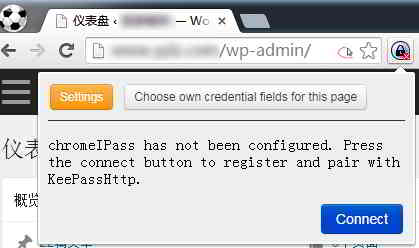
- Yuav siv KeePassHttp + chromeIPass plugin rau autofill li cas?
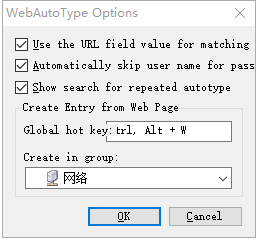
- Lub Keepass WebAutoType plugin tau sau rau hauv daim ntawv raws li URL thoob ntiaj teb
- Khaws Tseg AutoTypeSearch plugin: ntiaj teb no pib-input cov ntaub ntawv tsis sib xws pop-up search box
- Yuav siv KeePass Quick Unlock plugin li cas KeePassQuickUnlock?
- Yuav siv KeeTrayTOTP plugin li cas?
- KeePass hloov username thiab password li cas los ntawm kev siv?
- Yuav ua li cas sync KeePassX ntawm Mac?Download tau thiab nruab Suav version ntawm qhov kev qhia
- Keepass2Android plugin: KeyboardSwap cia li hloov cov keyboards yam tsis muaj hauv paus
- KeePass Windows Nyob zoo tus ntiv tes qhib plugin: WinHelloUnlock
- Kev daws teeb meem WebDAV Sync Conflicts uas tshwm sim los ntawm KeePass2Android: Ib-Nyem HTTP 409 Kho Cov Lus Qhia
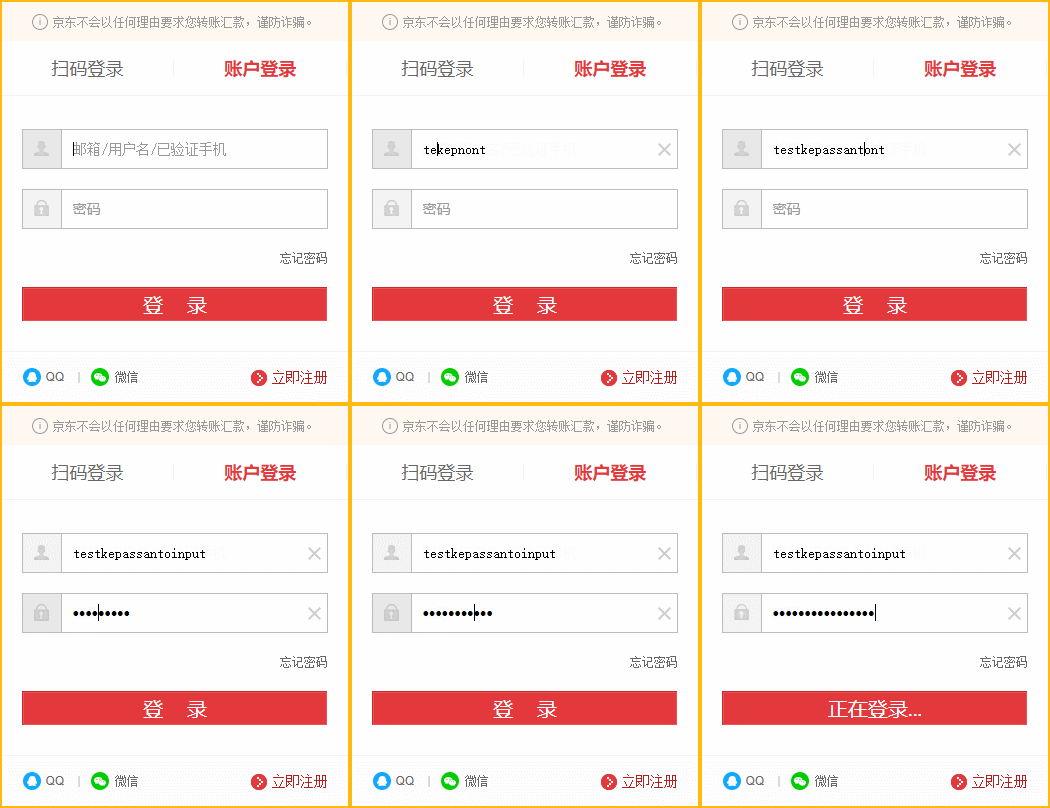
Hauv nws tsab xov xwm " Yuav Siv KeePass Li Cas? Kev Teeb Tsa thiab Kev Qhia Txog Kev Teeb tsa Cov Lus Suav " , Chen Weiliang piav qhia txog "KeePass's Auto-Input Matching Rules".
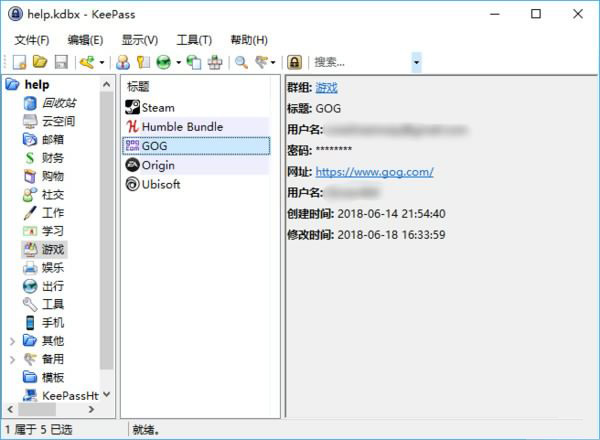
- Thaum nws pib nkag mus rau lub ntiaj teb hotkey yog nias, KeePass yuav tshawb nrhiav cov ntaub ntawv rau cov ntaub ntawv sib xws raws li lub npe ntawm lub qhov rais tam sim no;
- Cov ntaub ntawv yuav raug muab sib npaug yog tias lub qhov rais qhib lub npe muaj lub npe lossis URL ntawm cov ntaub ntawv.
- Tab sis txoj cai no tsis txaus siab, vim tias lub npe ntawm lub vev xaib tsis nyob mus ib txhis.
Hauv qhov no, lub luag haujlwm ntawm lub plugin no los ua si:
- Thaum lub ntiaj teb no pib nkag hotkey yog nias, thiab tsis muaj qhov sib tw rau cov ntaub ntawv, nws yuav pop tuaj rau lub thawv tshawb nrhiav, nyem rau ntawm cov ntaub ntawv xav tau thiab nyem rau siv nws pib nkag.
Koj tuaj yeem teeb tsa lub ntiaj teb tshawb nrhiav hotkey rau AutoTypeSearch:
Nyob rau hauv lub ntsiab interface ntawm KeePass, nias [Tej cuab yeej] → [Options] → [AutoTypeSearch] → xaiv [Show when system-wide hot key is pressed:] → click the input box below → press the global hot key to be used ▼

AutoTypeSearchPlugin download tau
Yog xav paub ntxiv txog kev siv KeePass, thov nyem qhov txuas hauv qab no mus saib ▼

Vam tias, tsab xov xwm "Keepass AutoTypeSearch Plugin: Global Automatic Input of Record Mismatch Pop-up Search Box" uas tau muab qhia rau ntawm Chen Weiliang lub blog ( https://www.chenweiliang.com/ ) yuav pab tau koj.
Xav qhia qhov txuas ntawm tsab xov xwm no: https://www.chenweiliang.com/cwl-1391.html