
Article directory
if you are usingChatGPTmet"This phone number is already linked to the maximum number of accounts", don't panic. This means that you are trying to use an account that is bound to multiple accounts.cellphone number.
- To fix this, you need to use anothercellphone numberRegisterOpenAIaccount, or release the number by deleting the previous account.This tutorial will show you how to fix this problem.
What does "This phone number is already linked to the maximum number of accounts" mean on ChatGPT?

- ChatGPT appears "
This phone number is already linked to the maximum number of accounts” error message because thePhone NumberAlready linked to more than two OpenAI accounts.
To register an account on ChatGPT, one mobile number can only be linked to two accounts at most, if you have already linked your mobile number to two accounts, you cannot link it to the third account.
- This is to limit the number of repeated links to the same mobile number.
- If you use onlinecodeIf you don't link your account with the platform's temporary mobile number, an error message will most likely appear.
If you need to transfer your mobile number from one account to another, please contact OpenAI's support team for assistance.
How does ChatGPT solve the problem of "This phone number is already linked to the maximum number of accounts"?
to solve"This phone number is already linked to the maximum number of accounts" question, you can use another mobile phone number to link.
Alternatively, you can try using a UK virtual phone number that you haven't used before to make the connection.
If you haven't linked your mobile number before but still encounter errors, you can contact OpenAI's support team for assistance.
They will provide specific information about the problem and help you resolve it.
How many ChatGPT accounts can one mobile number be associated with at most?
A mobile number can be associated with up to 2 ChatGPT accounts.
Only the first verified API account will get a free trial token.
It should be noted that some countries or regions (such as Russia or Hong Kong) do not support ChatGPT.
If you try to register in these countries, you will not be able to verify your mobile number.
If you are confused about which countries/regions can use OpenAI's services, please check this article to understand▼

How do I register for ChatGPT in countries or regions that do not support OpenAI?
Access the OpenAI website using scientific methods (please find your own internet connection).
- It is recommended to use a browser (incognito mode) to access.
If you register a ChatGPT account in mainland China, you will encounter the first threshold problem: OpenAI cannot be used in your country ▼
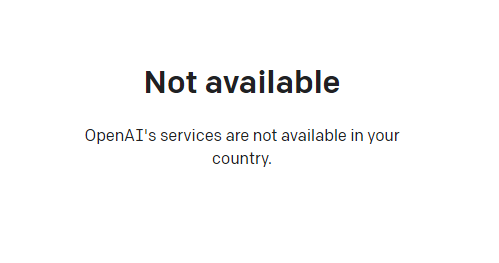
- Prompt: Not available OpenAI's services are not available in your country.
Step 1: Solve the problem that the OpenAI registration region is not supported:
- A global proxy must be used, a proxy for a US server has been tested available.
- 加入Chen Weiliangblog'sTelegramChannel, there is such a channel in the sticky listsoftwaretool ▼
How do I register for ChatGPT?
Step 2: Register an OpenAI account
You can register with your email address ( it is recommended to use an international Gmail or Microsoft account to link and register an OpenAI account) ▼

Step 3:
If you register OpenAI in mainland China, a prompt will appear:OpenAI's services are not available in your country."▼
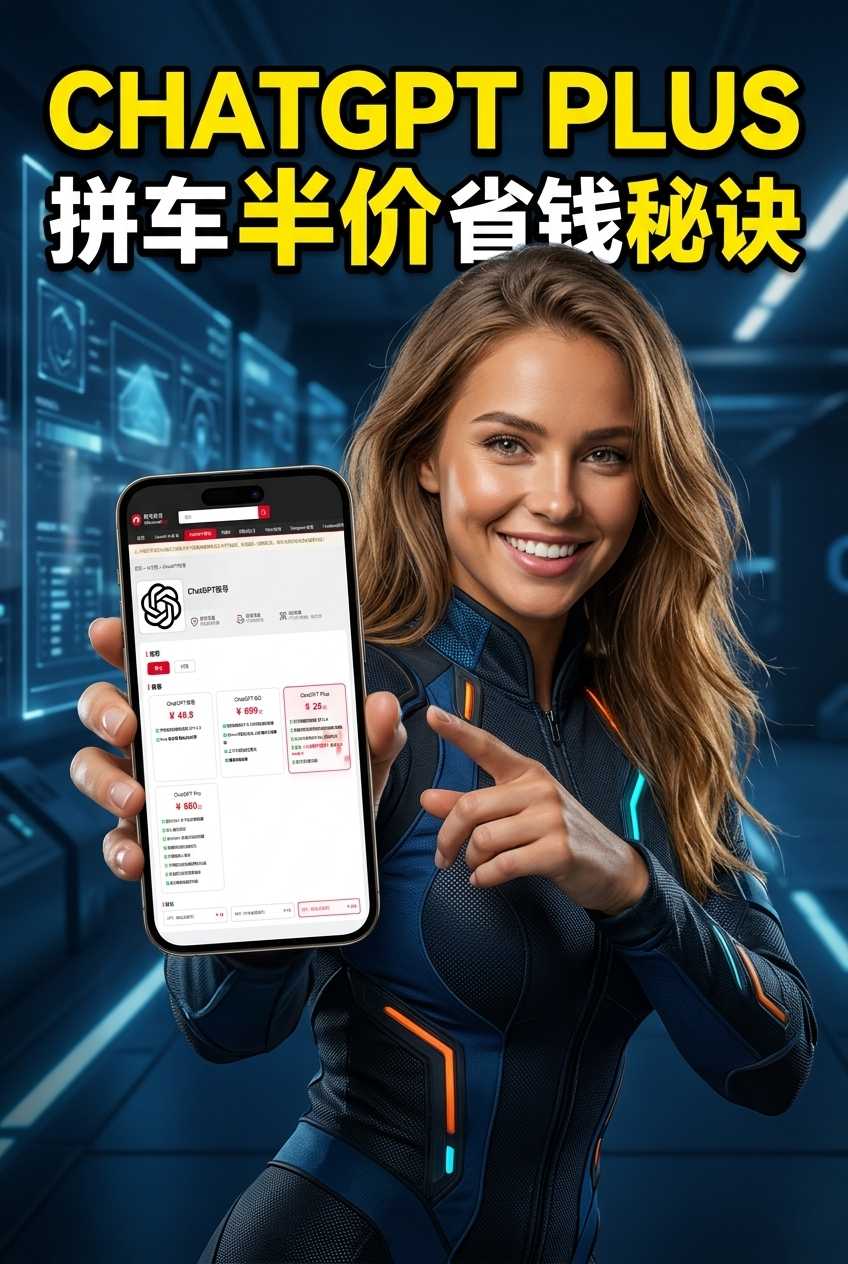
Since advanced features require users to upgrade to ChatGPT Plus to use them, it is difficult to activate ChatGPT Plus in countries that do not support OpenAI, and you need to deal with cumbersome issues such as foreign virtual credit cards...
Here we would like to introduce you to an extremely affordable website that provides ChatGPT Plus shared room accounts.
Please click the link below to register a Planet account ▼
Click the link below for a detailed guide to registering your account on Planet▼
Tips:
- IP addresses in Russia, China, Hong Kong, and Macau cannot register for an OpenAI account. It is recommended to register with another IP address.
Step 4: Select the purpose of ChatGPT
- Next, you will be asked to choose the purpose of ChatGPT.Choose private use (
I’m exploring personal use). - For other purposes, you need to contact the official review by email before opening.
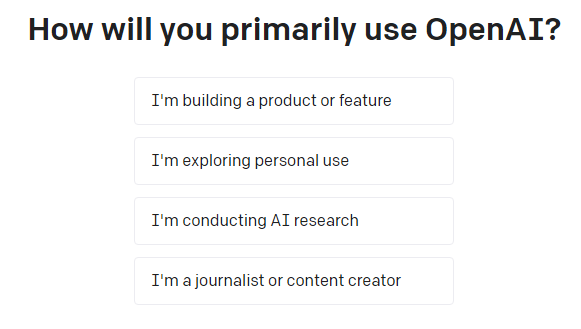
Step 5: Open OpenAI's ChatGPT AI chat page
Hopefully, the article "How to resolve the ChatGPT message 'This phone number is already linked to the maximum number of accounts'?" shared on Chen Weiliang's blog ( https://www.chenweiliang.com/ ) will be helpful to you.
Feel free to share this article's link: https://www.chenweiliang.com/cwl-30176.html