
Article directory
🤖📨Want to send multiple ChatGPT messages at once but are restricted?
Teach you how to solve"Only one message at a time. Please allow any other responses to complete"Questions, say goodbye to restrictions, let your information fly! 🚀
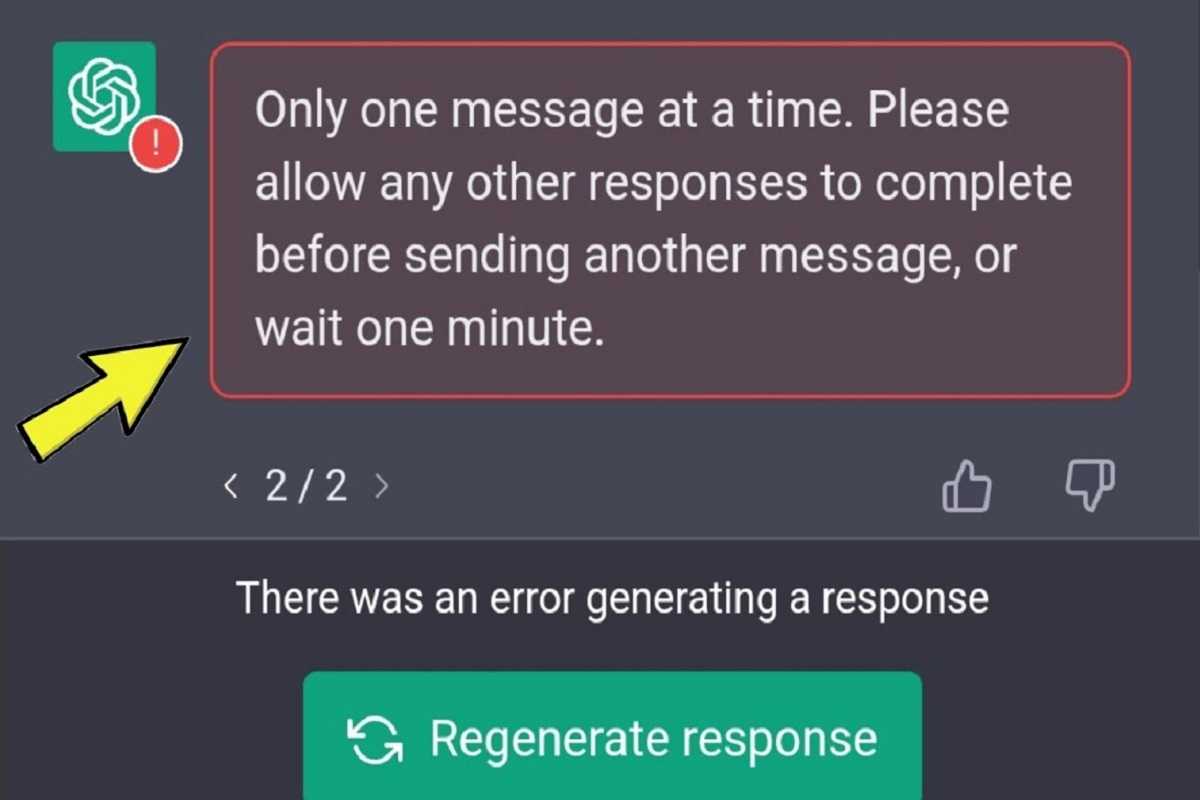
Why does ChatGPT appear "Only one message at a time" error message?
When you send a message to the system using ChatGPT, if the system is still processing your previous message, you will receive "Only one message at a time. Please allow any other responses to complete" error message.
This means that the system needs time to process your previous messages, so it is temporarily unable to accept new messages.
The purpose of error messages is to prevent the Open AI system from overloading and generating inaccurate responses.
Waiting for the system to complete the response before sending only one message ensures that ChatGPT provides accurate and useful responses.
ChatGPT's secret to sending multiple messages 🙌
In ChatGPT, you can use a different Google account, log in to ChatGPT on a different tab to avoid waiting for a completed response before.
- However, this may overload the system and is not recommended.
If you still receive the error message, you can try the following steps to resolve the issue:
1. Refresh the page
- If your previous reply has been completed and you're still getting the error message, try refreshing the page and resending your message.
2. Wait a few minutes
- Wait a few minutes to allow time for previous requests to be processed before attempting to send your message.
3. Log out and log back in to your account
- If you still can't solve the problem, please log out of ChatGPT and log back in to your account before trying to send your message.
Please note that in ChatGPT, the limit to the number of messages that can only be sent one at a time is to ensure that the system can provide accurate and useful responses, and prevent the system from overloading and generating inaccurate responses.
Therefore, please do not try to send multiple prompts at the same time, this may overload the system and generate errors.
If you register OpenAI in mainland China, a prompt will appear:OpenAI's services are not available in your country."▼
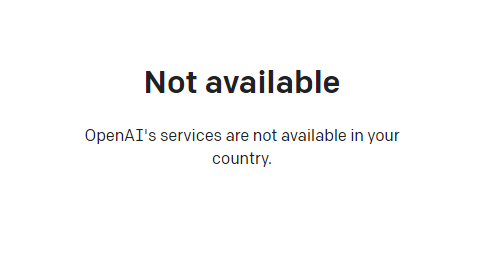
Since advanced features require users to upgrade to ChatGPT Plus to use them, it is difficult to activate ChatGPT Plus in countries that do not support OpenAI, and you need to deal with cumbersome issues such as foreign virtual credit cards...
Here we would like to introduce you to an extremely affordable website that provides ChatGPT Plus shared room accounts.
Please click the link below to register a Planet account ▼
Click the link below for a detailed guide to registering your account on Planet▼

Tips:
- IP addresses in Russia, China, Hong Kong, and Macau cannot register for an OpenAI account. It is recommended to register with another IP address.
Hopefully, the article "How to solve the 'Only one message at a time. Please allow any other responses to complete?'" shared on Chen Weiliang's blog ( https://www.chenweiliang.com/ ) will be helpful to you.
Feel free to share this article's link: https://www.chenweiliang.com/cwl-30470.html