
want to useChatGPT, but don't know how to download and register?This article will provide you with detailedAndroidVersion ChatGPT User Guide, quickly master the ChatGPT usage skills.
How to use ChatGPT on Android phone?
By using this guide, you can use, add and download ChatGPT on your Android phone as an app icon to your Android phone home screen.
If you want to download ChatGPT on your Android phone, you can follow the steps below:
Step 1: Open the ChatGPT website in Chrome or another browser
Open Chrome on your Android phoneGoogle Chrome or other browsers, then enter the ChatGPT website ▼
Step 2: Click "Sign up" button
On the ChatGPT website, click the "Sign up"Sign up button ▼
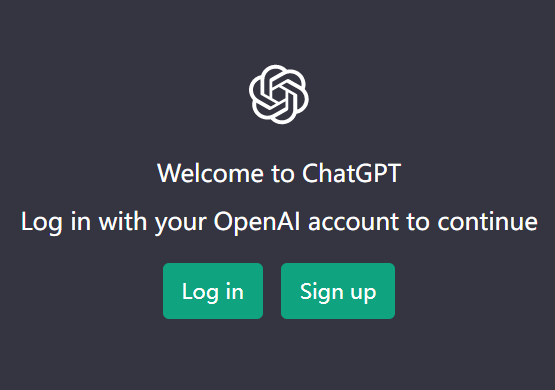
You can sign up with your email, Google or Microsoft account.
For the specific method and process of registering a ChatGPT account, please refer to the following tutorial▼

Step 3: Start chatting with ChatGPT orQuestion
After registering, start chatting with ChatGPT orQuestion.
- For example, you can ask "How can super novice Xiaobai make money fast?”, or ask ChatGPT to help you write emails or other content.
Note that ChatGPT is not available in all countries.
In which countries is ChatGPT available? Which region can an OpenAI account support?
- Countries such as Russia, Saudi Arabia, and China have restricted access to the service.
- If you can't access the service on Android, try using a web proxy.
- 加入Chen Weiliangblog'sTelegramChannel, there is such a channel in the sticky listsoftwaretool ▼
Step 4: Add the ChatGPT application icon to the home screen of the Android phone ▼
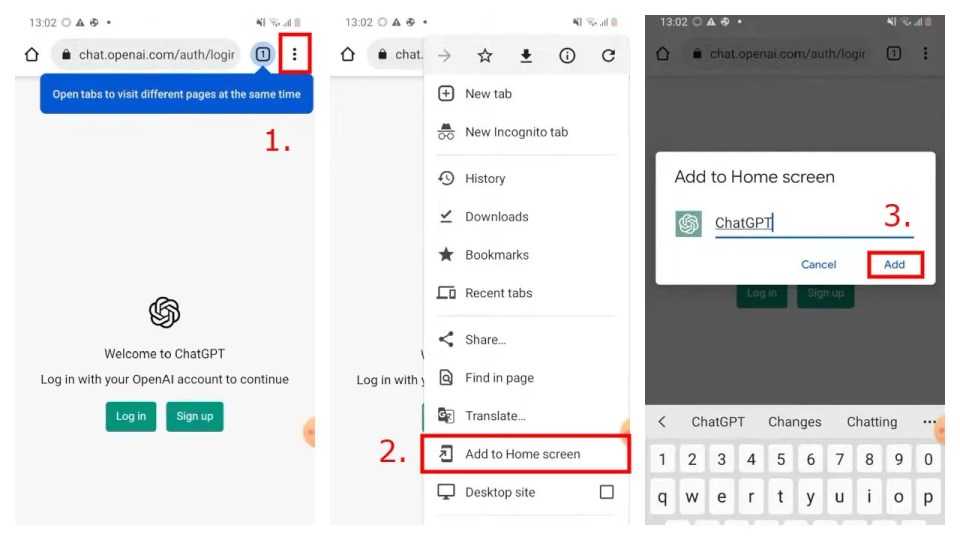
- Open Chrome or another browser on your Android device.
- Go to chat.openai.com
- Click on the 3 dots next to your browser's address bar.
- Then select Add to Home Screen.
- Enter the name "ChatGPT" and select "Add" twice.
- After you select "Add" twice, the ChatGPT App icons are added to your home screen.
Step 5: Open the ChatGPT Application Icon
- Click the ChatGPT application icon on the home screen to open ChatGPT on your Android phone with one click.
- You can click on the ChatGPT application icon to open it, and when you click on it, you will be redirected to the ChatGPT website.
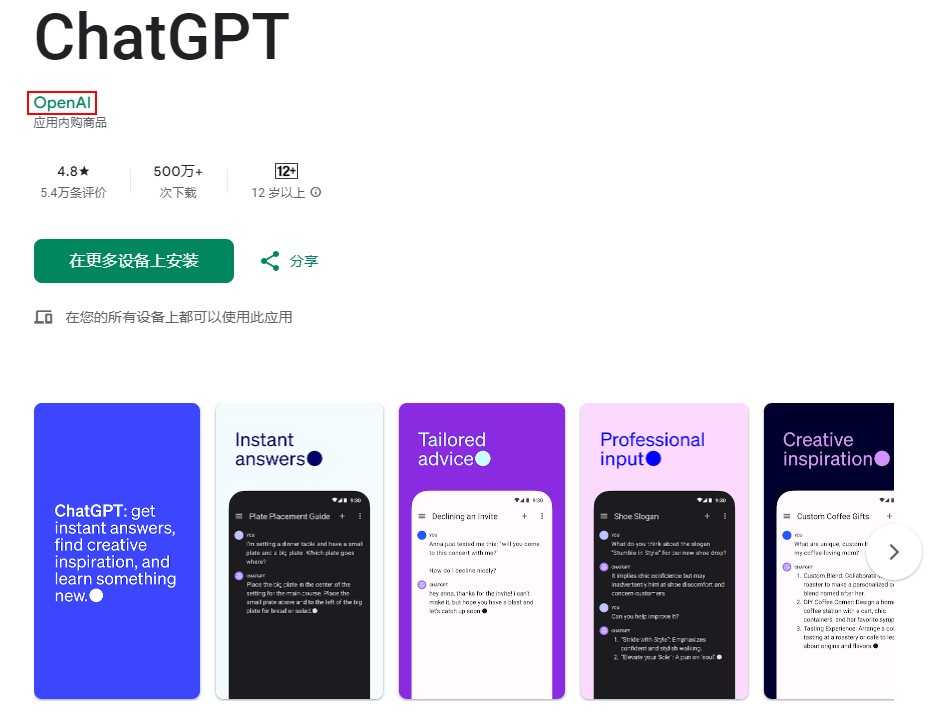
How to download ChatGPT on Android phone?
Want to experience the powerful features of ChatGPT anytime, anywhere? Want to know how to use ChatGPT easily on your Android phone?
Let you anytime, anywhereAIChat freely and start a new smart experience!
Click the link below to unlock the complete guide to download and install the ChatGPT Android app ▼
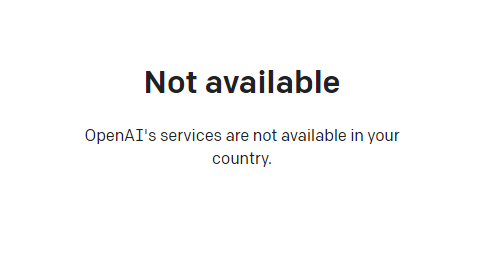
If you register OpenAI in mainland China, a prompt will appear:OpenAI's services are not available in your country."▼
Since advanced features require users to upgrade to ChatGPT Plus to use them, it is difficult to activate ChatGPT Plus in countries that do not support OpenAI, and you need to deal with cumbersome issues such as foreign virtual credit cards...
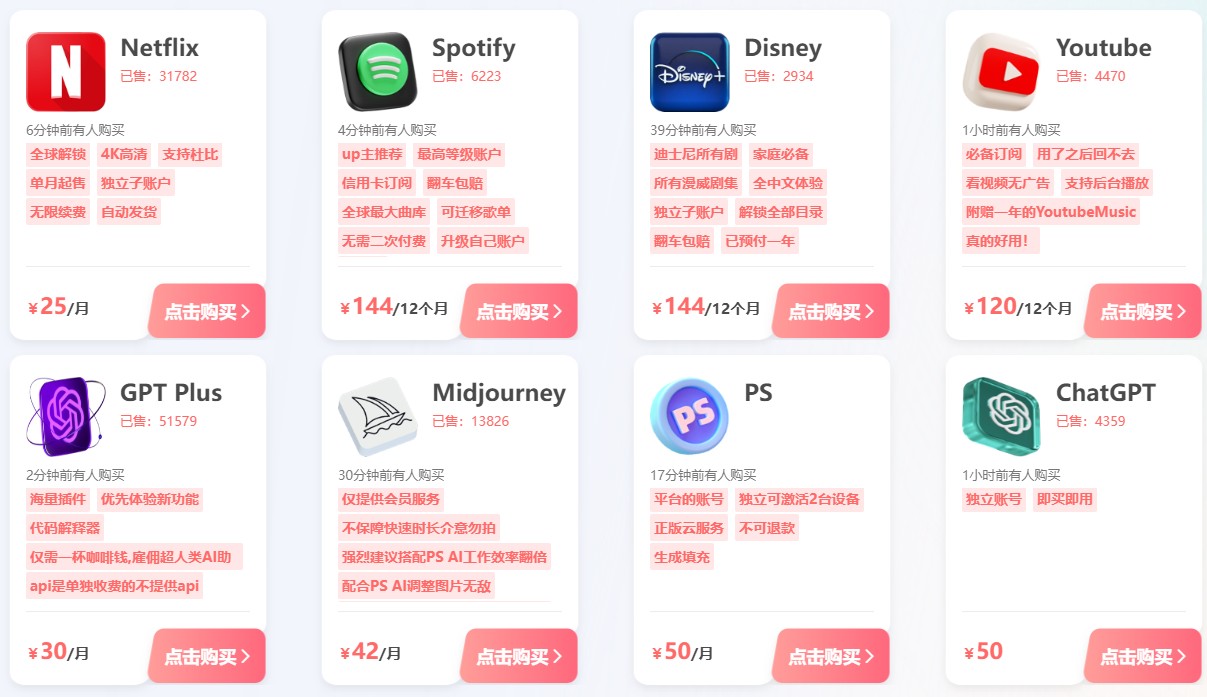
Here we would like to introduce you to an extremely affordable website that provides ChatGPT Plus shared room accounts.
Please click the link address below to register for Galaxy Video Bureau▼
Click the link below to view the Galaxy Video Bureau registration guide in detail ▼
Tips:
- IP addresses in Russia, China, Hong Kong, and Macau cannot register for an OpenAI account. It is recommended to register with another IP address.
By following this tutorial, you can easily use ChatGPT on your Android phone and add it to your home screen.
I hope this article can help you use ChatGPT better and let yourLifemore efficient.
If you have any questions or suggestions, please leave a message in the comment area, and we will reply to your questions in time.
Hope Chen Weiliang Blog ( https://www.chenweiliang.com/ ) shared "How to use ChatGPT on Android phones?Download and register the domestic Android client version", which is helpful to you.
Welcome to share the link of this article:https://www.chenweiliang.com/cwl-30200.html