
Article directory
- 1 Why should we turn off the permission to read Quark’s mobile phone number?
- 2 Use a private virtual mobile number to lock your account🔐
- 3 🔧 How to turn off the mobile phone number access permission in Quark? Teach you step by step!
- 4 Standard posture for binding a virtual mobile phone number📲
- 5 📌 Why not use a public code receiving platform?
- 6 📣 Privacy is a luxury in the digital age
QuarkIs someone secretly checking your phone number? Here’s a tip to turn it off! 🔒
Do you think you are safe if you turn off the camera? LOL, in fact, your mobile phone number permissions are the biggest loophole!
We now use Quark to search for information, save files, and even synchronize important photos, but have you noticed that this "considerate" application has the permission to read your phone number enabled by default? Hey, don't underestimate this step. If you leave it alone, your information will be exposed in minutes.
Why should we turn off the permission to read Quark’s mobile phone number?
Imagine your Quark account is like a precious treasure chest.
It contains old photos you have taken, study materials you have looked up, and even secretly downloaded movies (ahem). These are all part of your most private life.
But do you know?
Once your mobile phone number is read, it is like the key to the treasure chest is hung outside the door and anyone can open it at will.
Furthermore, if you are using thoseFree and publiccodeplatformCome and register a Quark account - brother, I can only say that you are only one step away from "losing your account".
Because these platformsVerification codeIt's shared!
Hundreds of people take turns using the same number!
As soon as you register, someone uses your verification code to log in and change your password without even giving you a chance to appeal.
Use privatevirtual phone number, lock your account 🔐
At this point, you may be asking, what number should I use to register Quark?
I tell you:With private exclusiveChinaA virtual mobile number is the best solution!
This kind of mobile phone number is like a unique key. Only you have it and no one else can open it.
It's like putting an invisibility cloak on your Quark account. Does anyone want to peek?There are no doors!
And these private virtualChinese mobile numberYou can also receive verification codes sent by Quark, verify your identity, prevent spam messages, and bind your account for a long time.
It is equivalent to buying a "privacy insurance" for your online identity. High-end users all do this.
🔧 How to turn off the mobile phone number access permission in Quark? Teach you step by step!
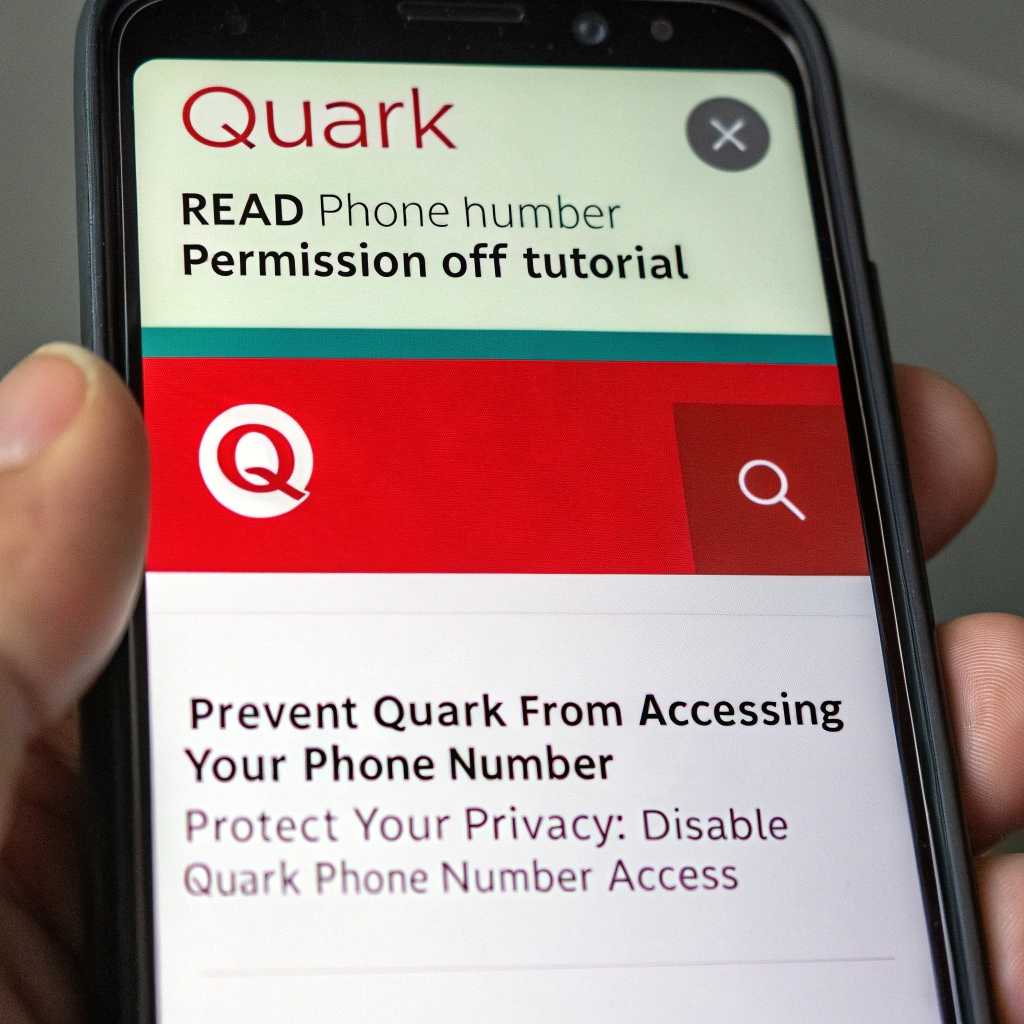
Okay, here comes the point.
The Quark Browser does not seem to provide a direct option to turn off the permission to read mobile phone numbers.
However, you can try the following methods to reasonably avoid access to mobile phone numbers:
- Adjust system permissions: Go to "Settings" > "Application Management" > find Quark Browser and check whether the "Phone" or "Read Phone Number" permissions can be disabled.
- Cancel mobile phone number binding: If your Quark account is bound to a mobile phone number, you can go to the "Account and Security" settings of the Quark browser and choose to unbind the mobile phone number.
- Use a private Chinese virtual mobile number:If the Quark browser requires mobile phone number verification, you can consider using a private Chinese virtualcellphone numberPlease register to reduce the risk of privacy leakage.
📲 Act now: Get your own Chinese virtual mobile number 👇👇👇
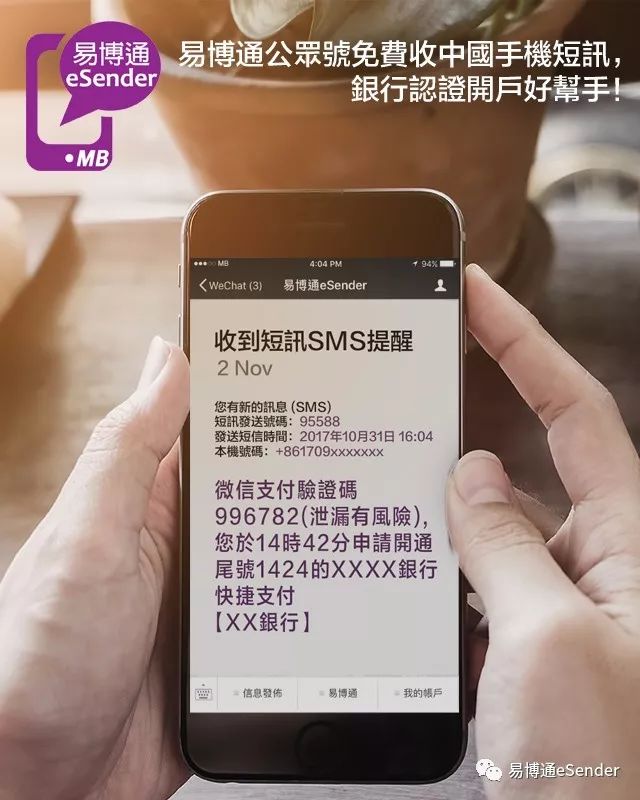
Standard posture for binding a virtual mobile phone number📲
Don’t wait until your account is stolen before you remember to bind your phone number!
After getting a reliable Chinese virtual mobile number, the first step isBind to your Quark account.
Proceed as follows:
- Open Quark Browser
- Click "My" in the lower right corner
- Go to "Account & Security"
- Select "Mobile Number"
- Enter the private Chinese virtual mobile phone number you purchased and receive the verification code to bind it.
After the binding is successful, account login, password retrieval, and device verification all rely on it!
⚠️ Tips: Private virtual mobile numbers also need to be renewed regularly!
Do you think that everything will be fine after binding once? Wrong!
If the virtual mobile phone number expires, you will no longer receive verification codes and will not be able to log back into your account.
SoBe sure to set reminders to renew your private virtual mobile number regularlyOtherwise, once you change the mobile phone to log in to the Quark account, it may be "lost forever."
📌 Why not use a public code receiving platform?
I emphasize again:
The public code receiving platform is the biggest trap!
When you see them say “free to use forever”, doesn’t that sound great?
But think about it, hundreds of people share one number, and the platform does not have real-name authentication. The security is like instant noodles that have been soaked for two hours - they would have gone rotten long ago.
These numbers are shared across the entire network. As soon as you register on Quark, someone else can log in with the verification code, or even wash the account and sell it.
Your data, files, and accounts are all ruined!
So, don't worry about the few dozen dollars, make your ownvirtual mobile number,value!
What are you still hesitating?📲 Act now: Get your own Chinese virtual mobile number▼
👇👇👇
Get your own Chinese virtual mobile number immediately through reliable and formal channels and start protecting your account now!
📣 Privacy is a luxury in the digital age
The traces we leave on the Internet every day may be far more than we think.
A mobile phone number permission or a verification code interface may become an entry point for "hackers".
Choosing to turn off unnecessary permissions and using virtual numbers to bind accounts is the last privacy boundary we draw for ourselves in this "transparent world."
This is not only a form of self-protection, but also a manifestation of digital literacy.
remember,Privacy is the most expensive asset in the future society.
The sooner you start protecting yourself, the more likely you will be to be invincible in the future information wave.
Not afraid of ten thousand, just in case!
Take action now and don’t let your account fall into the hands of others.
From now on, be a digital citizen with a sense of security! 📱💡
Hope Chen Weiliang Blog ( https://www.chenweiliang.com/ ) shared "How to turn off the reading permission of Chinese mobile phone numbers in Quark? Teach you how to turn it off step by step🔒", which may be helpful to you.
Welcome to share the link of this article:https://www.chenweiliang.com/cwl-32784.html