
Article directory
Have you ever noticed that many great short videos look less clean because of a prominent logo or watermark? This article will tell you how to use a free online AI logo and watermark removal tool to remove logos, watermarks, subtitles, and even timestamps from videos in minutes, while maintaining 4K high-definition lossless image quality, without blurring or ghosting.
One day, I was helping a friend process some Douyin (TikTok ) footage. The original video had a TikTok logo in the bottom right corner, and I wanted to remove it but didn't want to go through too much trouble.
After spending ages editing in Premiere Pro, either cropping out a section of the image or blurring it, the final result always feels a bit off, and it's prone to leaving a ghosting effect, which is really frustrating.
I was thinking, with AI being so popular now, there must be an easier way to remove watermarks.
After searching for a while, I actually found one: a free online tool for removing logo watermarks using AI.
It's ready to use right out of the box; no software download or account registration is required, which is fantastic—completely barrier-free.
I tried it, and the process is ridiculously simple.
Simply upload your video and drag it over. It supports common formats such as MP4, MOV, M4V, and AVI, with a file size limit of 500MB and a maximum resolution of 4K, which is more than enough for everyday short videos.
Then take the smudge brush and smudge the areas with watermarks, logos, subtitles, or stickers. You can smudge several areas to make sure that everything you want to remove is marked.
What surprised me most was that it supports dynamic watermark tracking. Even if the watermark moves in the video, the AI can automatically identify the edges and fill in the background pixels, without you having to do it frame by frame.
Click to start processing, wait a few minutes, and the AI intelligent engine will be done.
After processing, you can preview the effect in real time in your browser. If you are satisfied, simply click download, and the saved version will be watermark-free.
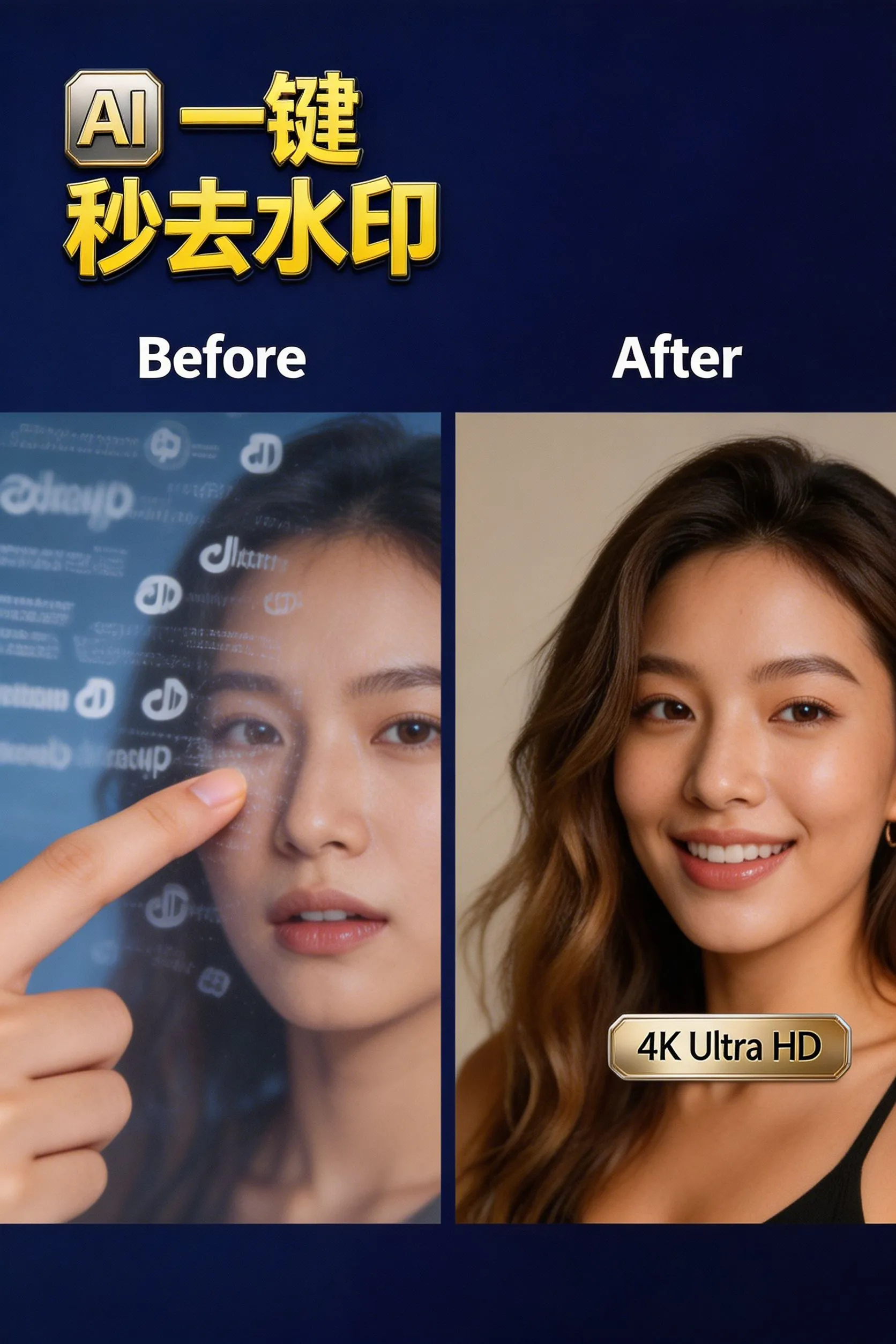
When I exported it, the 4K image quality was still so clear, without any blur or distortion. This effect really exceeded my expectations.
Compared to using traditional editing software to remove watermarks, it's a world of difference.
Previously, you either had to crop the image and lose quality, or blur it and leave afterimages, and you had to learn a lot of operations. Now, with a free online AI logo watermark removal tool, you can apply the watermark with one click, and the AI will complete the process automatically. The speed is so fast that it takes only a few minutes to finish a short video.
Moreover, the free version can process videos up to 30 seconds long, which is more than enough for those of us who create short videos and self-media content to edit clips on a daily basis.
If you need to process longer videos, you can choose their professional package, but in most cases, the free version is sufficient.
Honestly, this kind of tool, which is free, has zero barriers to entry, and is so fast, can really save a lot of trouble.
Why remove video watermarks?
Short video creators often need to edit their footage, but watermarks can affect the viewing experience and professionalism.
Removing watermarks not only makes videos more visually appealing, but also enhances the content's reach and impact.
Especially on platforms like TikTok and Douyin, clean videos are more likely to get recommendations and likes from users.
Advantages of Free Online AI Logo Watermark Removal Tools
The AI logo watermark removal tool is a free online tool with zero learning curve.
No software download or account registration is required.
Simply open a webpage, upload the video, and you can remove the watermark in just a few steps.
Its AI engine can automatically identify watermark edges and intelligently fill in background pixels.
It supports dynamic tracking, so the watermark can be removed naturally even if it moves in the video.
Steps to remove watermarks from short videos using AI
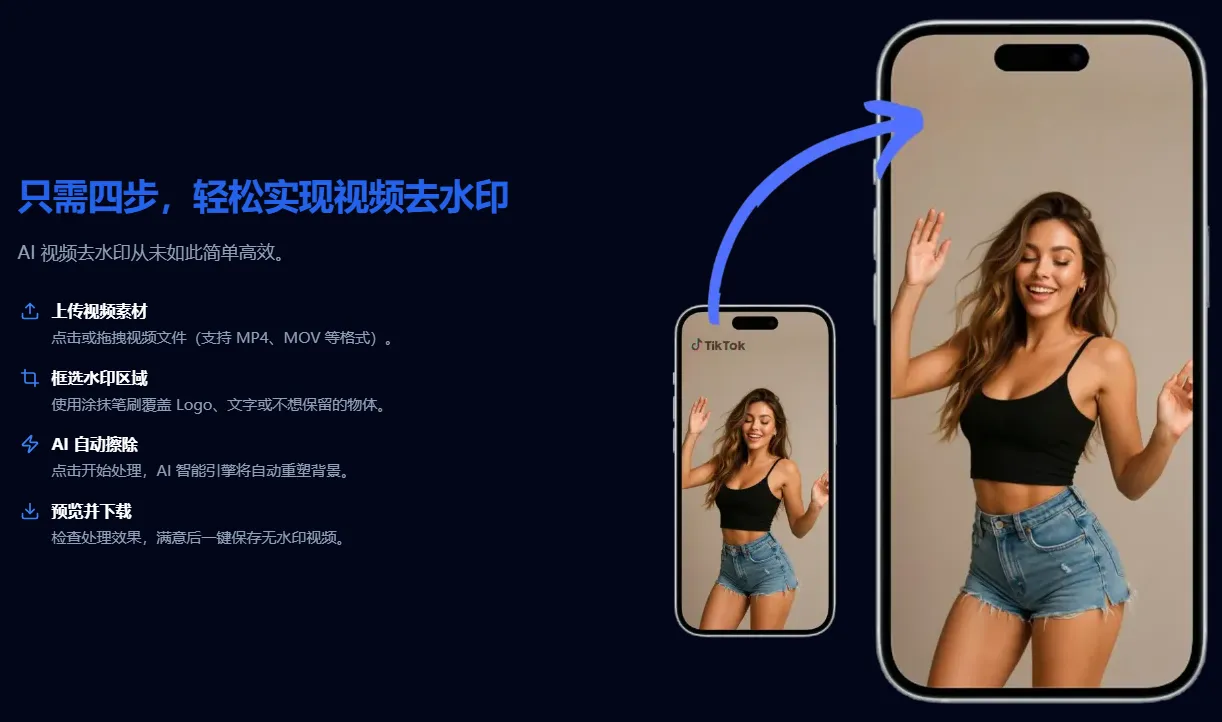
Step 1: Upload video
Enter the page for free online AI logo watermark removal tools and video watermark removal.
Click "Upload Video" or drag and drop the file onto the page.
Supported formats: MP4, MOV, M4V, AVI.
File size limit: ≤ 500MB, resolution ≤ 4K.
Step 2: Select the watermark area
Use the smudge brush tool to cover the parts that need to be removed, such as logos, text, subtitles, or stickers.
You can select different areas multiple times to ensure that all watermarks are marked.
Step 3: AI Automatic Removal
Click "Start Processing".
AI will automatically identify the watermark edges and reconstruct the background pixels.
It supports dynamic watermark tracking, so that the watermark can be removed naturally even if it moves in the video.
Step 4: Preview and Download
Preview the processing results in real time in your browser.
Once you are satisfied, click "Download Video" to save the watermark-free version.
The free version supports videos up to 30 seconds long; for longer videos, you can choose the professional package.
Function Comparison Table
FEATURES | Free online tool for removing logo watermarks using AI | Traditional video editing software |
|---|---|---|
Remove logo/watermark | One-click application, AI completes automatically. | Manual cropping or blurring is required. |
Picture quality | Lossless 4K output | Blurry or ghosting may occur. |
Usage threshold | No registration or installation required. | You need to download and learn the complex operations. |
Dynamic watermark | Supports automatic tracking | Frame-by-frame manual processing is required. |
speed | Completed in seconds | Time-consuming and complicated. |
Precautions and restrictions
The free version is limited to 30-second videos and is suitable for short videos or clips.
Large files or long videos require a premium subscription.
Watermark removal is only for personal creation or material optimization; please avoid infringing copyright.
Summary and Opinions
The AI logo watermark removal tool is a truly "foolproof" tool.
It allows short video creators to focus on content creation instead of wasting time on tedious editing.
In this age of information overload, clean videos are a competitive advantage.
My view is that mastering this tool is equivalent to mastering the secret weapon to enhance the professionalism of your work.
Watermarks are no longer an obstacle, but a starting point for showcasing your creativity.
The purity of the content determines the breadth of its dissemination, while the simplicity of the technology determines the speed of creation.
So, if you're still bothered by video watermarks, try this free online AI logo watermark removal tool to make your work truly high-definition, lossless, and blur-free.
Sometimes I feel that many useful little tools are like treasures hidden in a corner; you can easily miss them if you don't specifically look for them.
For those of us who create content, time is already tight. Having a tool to help you quickly handle these trivial matters, freeing up your energy to do more core creative work, is truly invaluable.
Of course, you have to be careful when using this tool to remove watermarks. It can only be used for personal creation or material optimization. Never use it for copyright infringement. We need to be aware of this.
Now, whenever I process short video footage, this is basically the first thing I think of. I can get a clean, watermark-free version in just a few minutes. Wouldn't it be better to save that time and have a cup of coffee?
This tool helps bridge information gaps and is a valuable resource that deserves to be known by more content creators.
To avoid copyright disputes, I now have to include the link to the free online AI logo watermark removal tool in the [Toolkit].
Simply join the Telegram channel and check the pinned "Toolkit" to get it ▼
Hopefully, the article "Free Online Tool for Removing Logo Watermarks from TikTok/Douyin Short Videos Using AI, High-Definition 4K Lossless and Blur-Free" shared on Chen Weiliang's blog ( https://www.chenweiliang.com/ ) will be helpful to you.
Feel free to share this article's link: https://www.chenweiliang.com/cwl-34054.html