
Article directory
ChatGPT Plus Walkthrough: Unveiling the Ultimate Secret to Solving Authorization Errors 🔐🧩
🚀🔐The ultimate strategy to solve the ChatGPT Plus plugin Authorization error is here!From now on, the plug-in can be used unimpeded, allowing you to enjoy more fun easily!Come to get customs clearance skills! 🔥🧩
Have you encountered "Authorization error accessing plugins"Trouble?
This error will only appear to you if you have ChatGPT Plus with an active plugin.
This issue occurs once one or more of your plugins has been revoked or failed validation.
Therefore, when you send a message to ChatGPT, you will not be able to get any response.
In this guide, you will understand how to fix "Access Plugin Authorization Error" on ChatGPT Plus, and what is behind it.
Why does accessing the plugin throw an authorization error when using ChatGPT Plus?
When attempting to access plugins on ChatGPT Plus, you may encounter licensing errors because Open AI recently revoked the licenses of some plugins that were not verified.
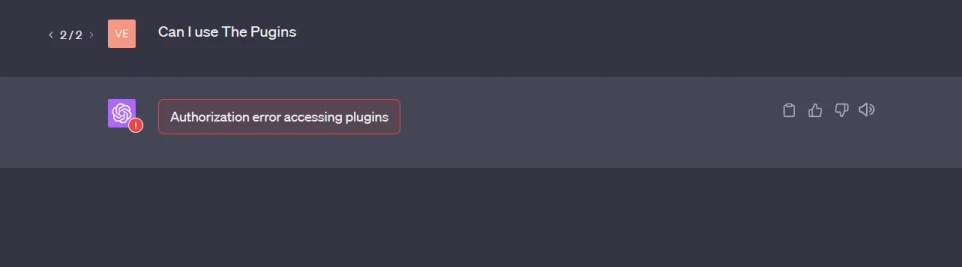
This requires the creator of the plug-in to re-authenticate to require the user to re-authorize the plug-in.
This error can also be caused by a subscription level mismatch, or a technical glitch within the plugin system.
If you encounter this issue, we recommend that you identify the problematic plugin and reinstall it.
How to fix " on ChatGPTAuthorization error accessing plugins"?
To fix the "Access Plugin Authorization Error" on ChatGPT, you need to uninstall and reinstall the plugins (like ScholarAI) that are not working properly.
Thereafter, re-authorize these plug-ins as necessary and test them to verify that they work again.
The steps are as follows:
- Log in to ChatGPT and go to the plugin store.
- Look for plugins that don't work as expected (eg Prompt Perfect, ScholarAI).
- Uninstall those plugins that don't work as expected.
- Reinstall the plugins and reauthorize if necessary.
- Test the plugins to verify that they are working again.
If you have multiple plugins, you may need to uninstall and reinstall them one by one to find the culprit.
If you still encounter authorization errors repeatedly, you need to contact the plugin developer for further assistance.
If you register OpenAI in mainland China, a prompt will appear:OpenAI's services are not available in your country."▼
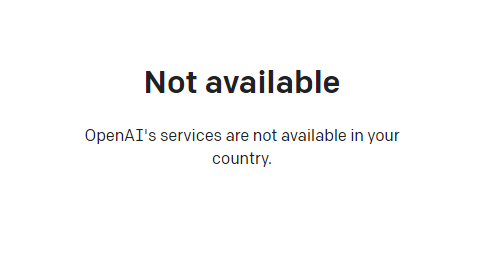
Since advanced features require users to upgrade to ChatGPT Plus to use them, it is difficult to activate ChatGPT Plus in countries that do not support OpenAI, and you need to deal with cumbersome issues such as foreign virtual credit cards...
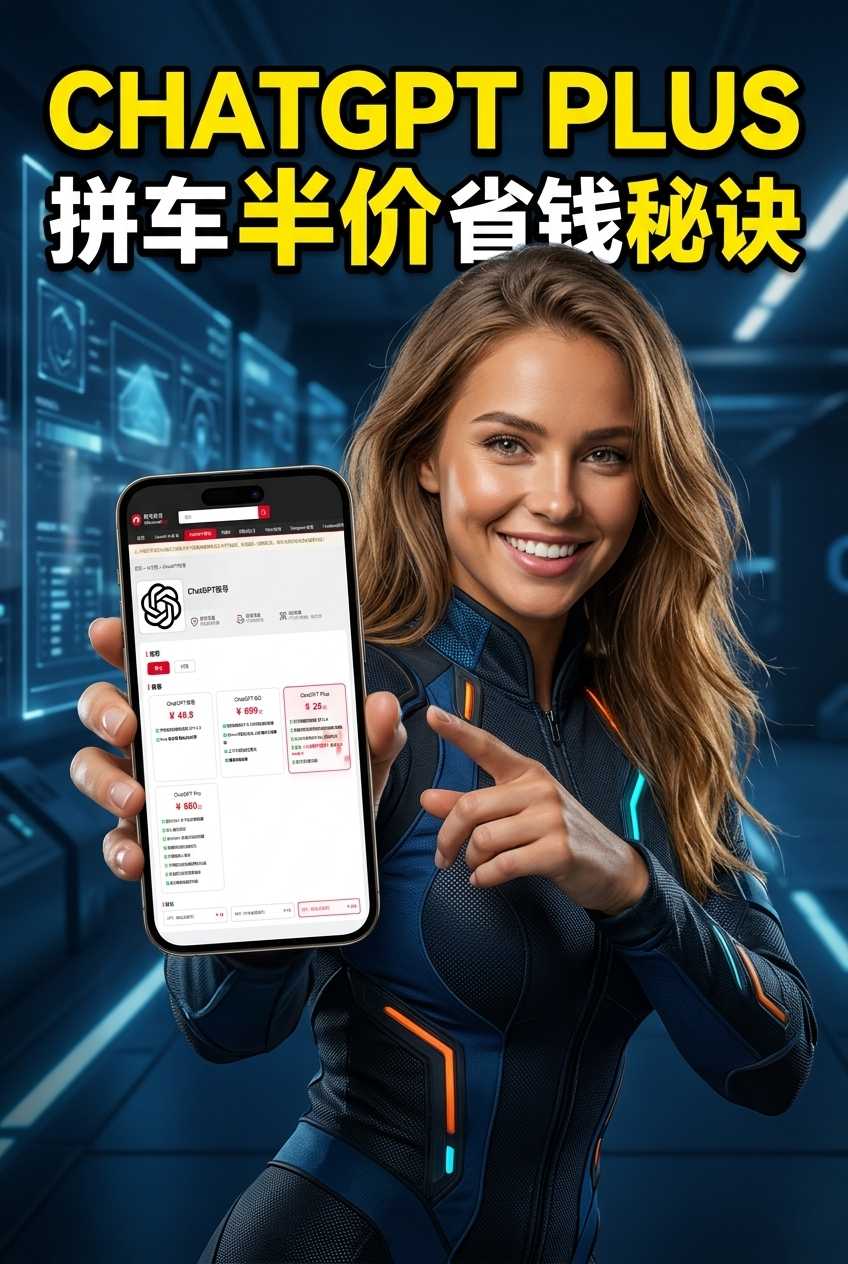
Here we would like to introduce you to an extremely affordable website that provides ChatGPT Plus shared room accounts.
Please click the link below to register a Planet account ▼
Click the link below for a detailed guide to registering your account on Planet▼
Hopefully, the article "How to solve the Authorization error accessing plugins in ChatGPT Plus?" shared on Chen Weiliang's blog ( https://www.chenweiliang.com/ ) will be helpful to you.
Feel free to share this article's link: https://www.chenweiliang.com/cwl-30826.html