
Article directory
Are you registered ChatGPT When I was about to finish my sentence, a prompt suddenly popped up: "We can’t create your account due to our Terms of Use"? This is not a problem of your character, it's just the system "blocking people". 🙅♂️
This error usually appears when you try to register or log in to ChatGPT. In fact, it is saying: "You do not meet our registration requirements~"
🎂 Not old enough or region restricted? All possible!
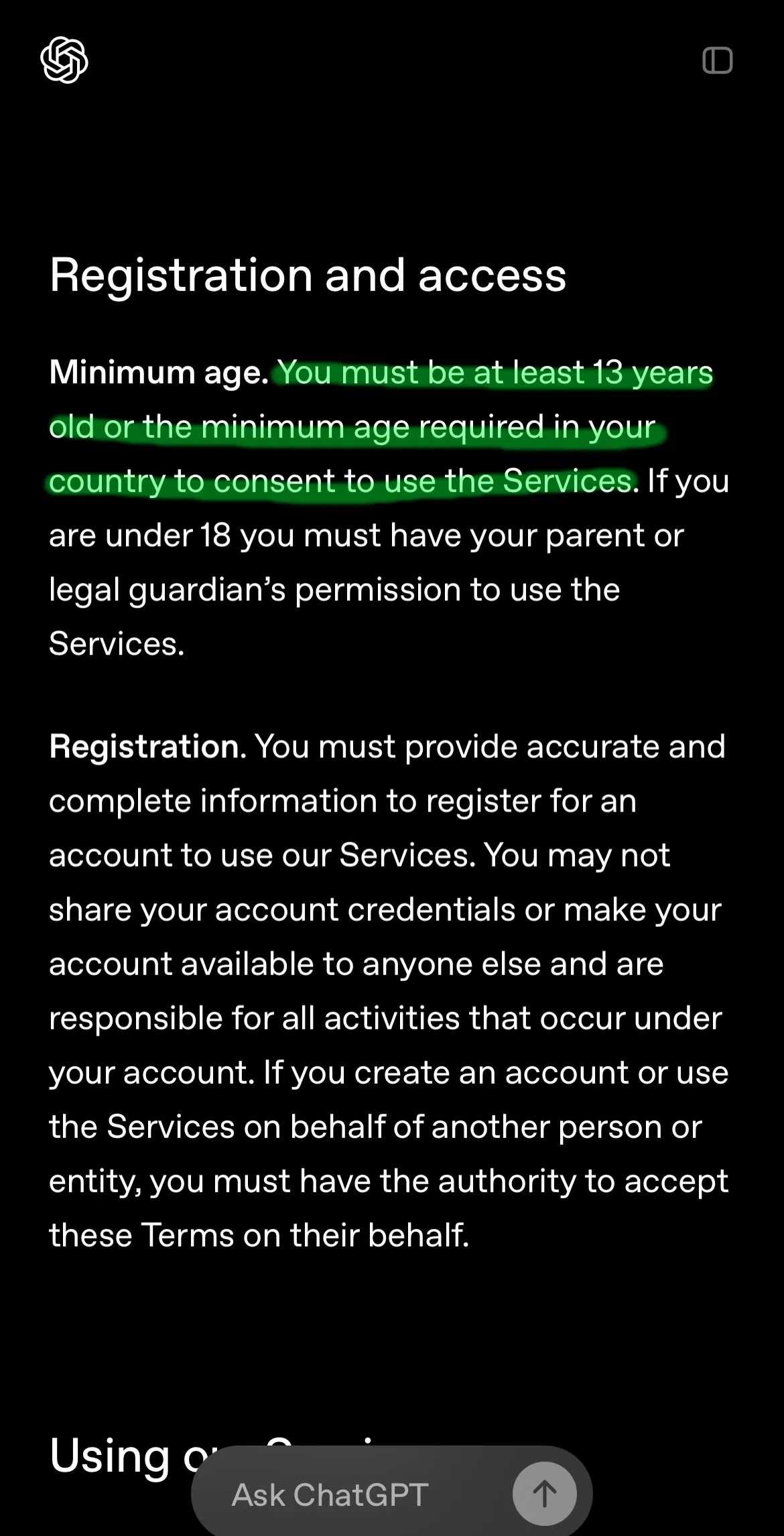
According to OpenAI 's official statement, two basic requirements must be met to use ChatGPT:
- Age threshold: You have to be over 13 years old, or have reached the minimum age for use in your country.
- Geographic location:You must be in ChatGPT Open and unrestricted countries or regions.
If one of the conditions is not met, this “friendly reminder” ⚠️ will be triggered.
👉 Want to see which countries support this service? You can directly visit the OpenAI website for the list of supported countries/regions.
💡 How to solve the problem that ChatGPT "Terms Card" cannot be registered?
Here are two practical and simple solutions to break through the limitations with one click!
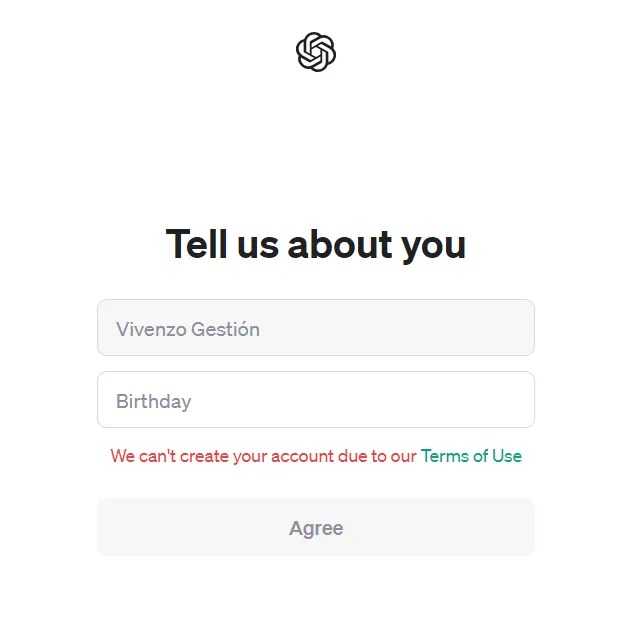
✅ Method 1: Clear cache + set "older" birthday information
Proceed as follows:
📱 iPhone users
Open Settings > General > iPhone Storage > find ChatGPT > Uninstall App > then reinstall.
📱 Android users
Settings > Apps > ChatGPT > Force stop > Storage > Clear data & cache.
🖥️ Chrome users
Click the three dots in the upper right corner > More tools > Clear browsing data > Select "Last 7 days" or "All time" > Clear!
Next, reopen ChatGPT, select "Sign Up," and you can use Google, Microsoft, Apple, or email! The key is— enter an adult's birthday! For example, 18 years or older! 🎂
🌍Method 2: Connect a "universal pass" - a network proxy!
Some countries or regions may not support ChatGPT for the time being. In that case, you will need to use network proxy software to bypass the restrictions and make the system think you are in a "free country"!
The operation process is as follows:
- Close the ChatGPT app or webpage.
- Download a reliable network proxy software
- Connect to countries that support ChatGPT, such as: 🇺🇸United States, 🇬🇧United Kingdom, 🇨🇦Canada, 🇸🇬Singapore...
- Then reopen ChatGPT and register using the method you prefer.
🧠 To summarize:
If you are blocked by the "Terms of Use", take a deep breath, calm down, and don't panic!
Clear cache, change birthday, connect to network proxy, done in minutes!
⚙️Small tips and great wisdom will help you easily break through the registration barriers and smoothly enter the world of ChatGPT!
If you encounter other weird error messages, welcome to "report errors". I will provide online support and be a good hand at solving difficult problems💪😎
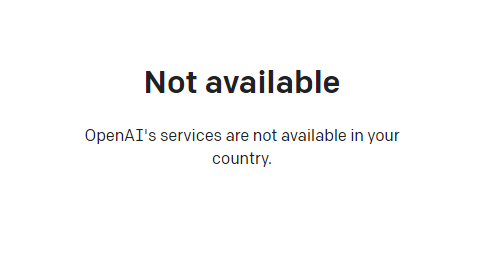
If you register OpenAI in mainland China, a prompt will appear:OpenAI's services are not available in your country."▼
Advanced features require users to upgrade to ChatGPT Plus, but activating ChatGPT Plus in countries that do not support OpenAI is quite difficult and involves dealing with cumbersome issues such as using foreign virtual credit cards…
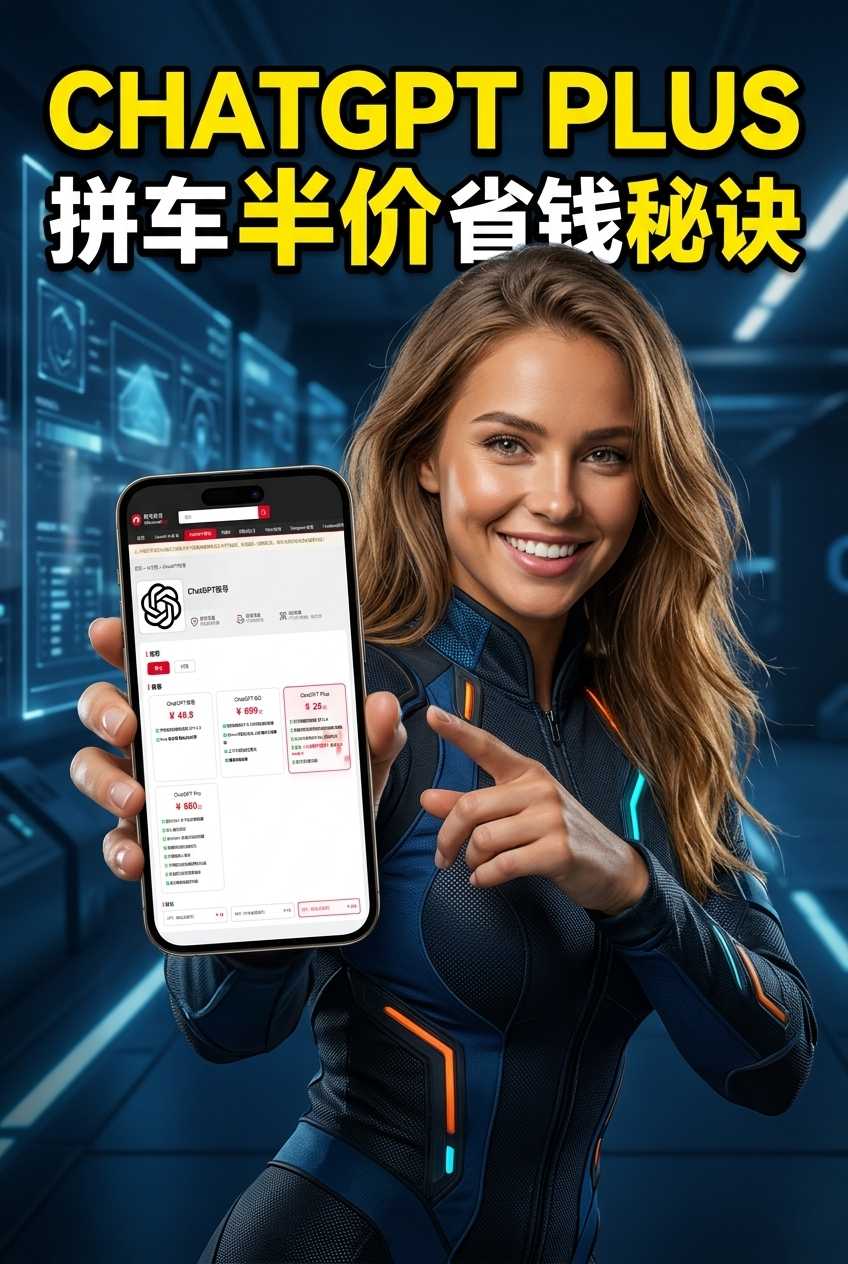
Here we would like to introduce you to an extremely affordable website that provides ChatGPT Plus shared room accounts.
Please click the link below to register a Planet account ▼
Click the link below for a detailed guide to registering your account on Planet▼
Tips:
- IP addresses in Russia, China, Hong Kong, and Macau cannot register for an OpenAI account. It is recommended to register with another IP address.
Hopefully, the article "🚫 ChatGPT displays 'We can't create your account due to our Terms of Use'? Check out how to solve it!" shared on Chen Weiliang's blog ( https://www.chenweiliang.com/ ) will be helpful to you.
Feel free to share this article's link: https://www.chenweiliang.com/cwl-32671.html