
Article directory
The full name of ADB is called Android Debug Bridge, and its function is to debug bridge.
- Using the adb tool, we can manage the state of the device or phone emulator;
- There are also many mobile phone operations, such as installationsoftware, upgrade the system, run shell commands, etc.;
- In fact, in short, adb is a bridge between Android phones and PC computers, allowing users to fully operate their phones on their computers.
Screenshot of ADB Toolkit
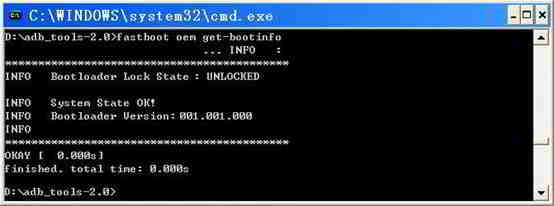
- The complete ADB toolkit has a total of 4 files, 2 exe suffixes and 2 two dll suffixes.
- The full kit has a fastboot file with an exe suffix.
ADB toolkit Baidu Cloud download (preferred and recommended)
Baidu cloud download ADB toolkit ▼
Extraction code: b6d8
Confirm if there is fastboot? (Open the ADB toolkit and view it before using it).
- If not, it's not a complete toolkit.
- If you have downloaded the aboveADB Toolkit, you don't need to download Google's official ADB toolkit.
ADB toolkit Google official download address
Windows version download address ▼
How to install the Windows version:
- Copy the file containing adb in the name and fastboot.exe to
c:/windows/system32Contents - Copy all files with adb in their name to
c:/windows/systemContents
Mac version download address ▼
Linux version download link ▼
Here's the ADB toolkit from Google, which also comes with:
- adb.exe
- AdbWinApi.dll
- AdbWinUsbApi.dll
- fastboot.exe
How to use the Android ADB toolkit? Please click the following link to view the ADB installation tutorial on your computer ▼

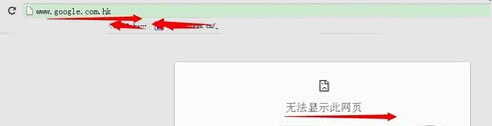
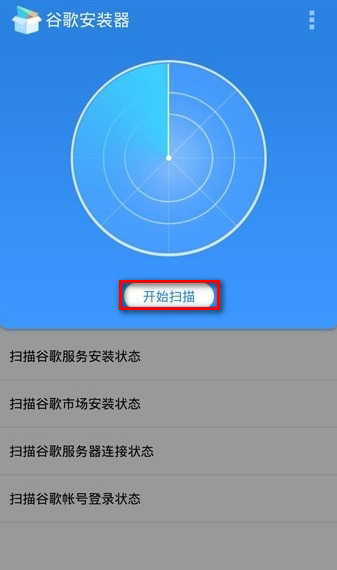
What should I do if Google can't open?
If you are in mainland China, Google may not be able to open...
Please refer to the following solutions for when Google cannot be opened ▼
Hopefully, the article "Google's ADB Toolkit: Official Download for Windows/Mac/Linux" shared on Chen Weiliang's blog ( https://www.chenweiliang.com/ ) will be helpful to you.
Feel free to share this article's link: https://www.chenweiliang.com/cwl-1030.html