
Article directory
Since Google withdrew from the Chinese market, the Google browser cannot be opened.
This has had a particularly severe impact on the behavior of cross-border e-commerce practitioners and internet users living in mainland China in using the Google search engine.
Why can't Google open it?
- Because there are many overseas websites with illegal and reactionary content, this is not allowed by the Chinese government.
- Therefore, netizens in China, as well as overseas Chinese traveling in mainland China, cannot open Google's official website as usual.
Now let's introduce how to open Google, to ensure that you can successfully open your Google account in China.
Regarding the solution to the problem of how to open Google, after first accessing Google, the webpage cannot be displayed.
In the past, Chinese netizens could open Google's official website first, but it was not very stable.
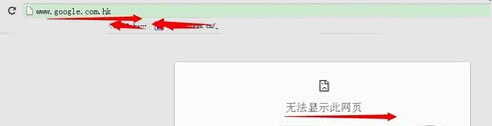
However, when I visit Google in mainland China now, there is a problem that the page cannot be opened▼
Access Assistant with Google
- The newest way is to use a browser add-on - Google Access Assistant to access Google.
- Google Access Assistant is made by foreign trade salesmenWeb Promotionessential tool.
Step 1: Go to the Google Access Helper website
Enter the following URL in the URL bar to enter the official website of Google Access Assistant▼
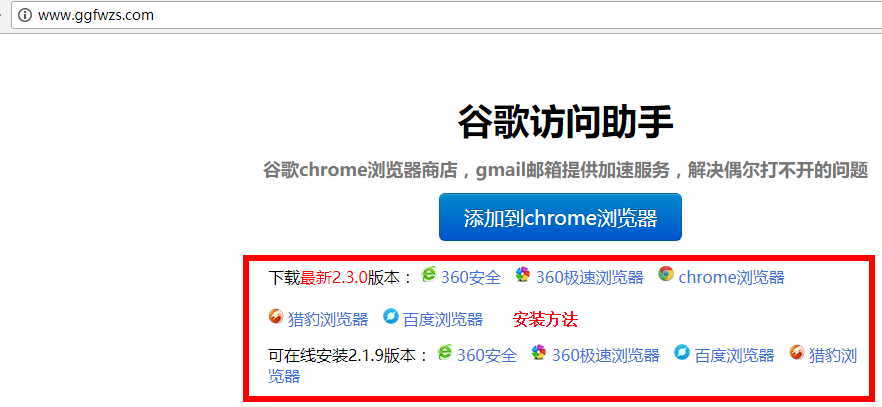
The official website provides plug-ins for the following browsers ▼
- 360 Safe Browser
- 360 Fast Browser
- Chrome browser
- Baidu browser
- Cheetah Browser
- Sogou browser
- UC Browser
Step 2: Download Google Access Assistant
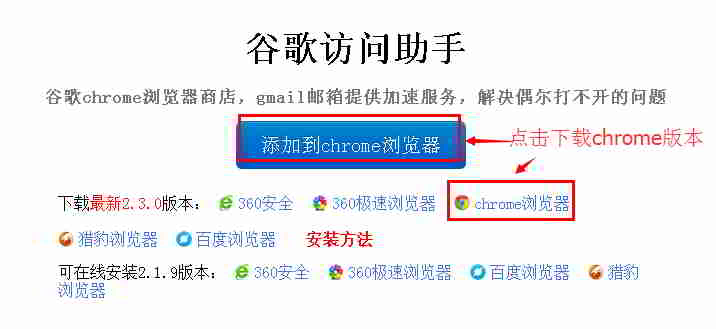
Step 3: Unzip the "Google Access Helper" extended compressed file.
Right-click and select Extract to the current folder ▼
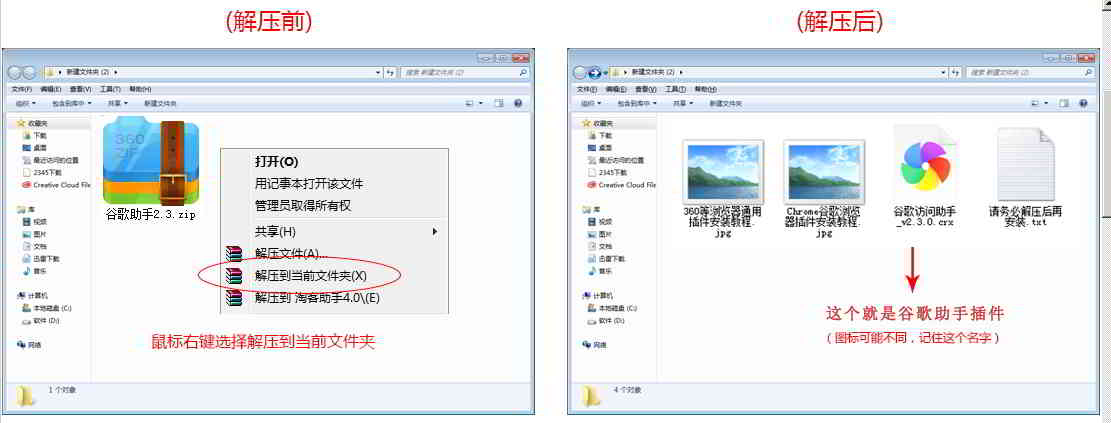
Step 4: Open the Google Chrome extension.
Open the "Extensions" of Google Chrome according to the instructions below ▼
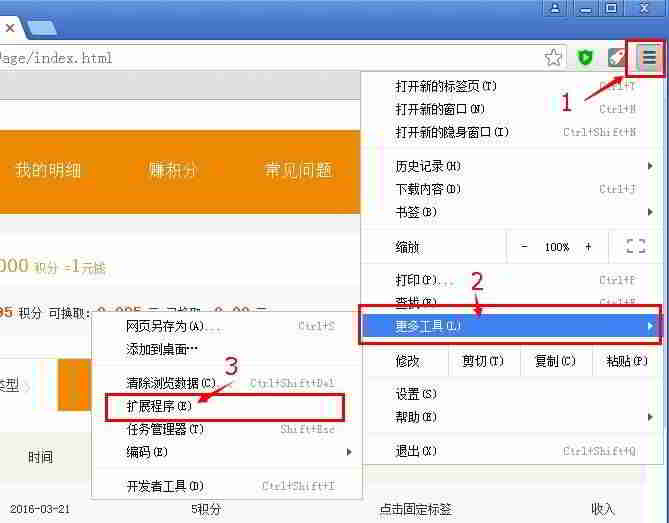
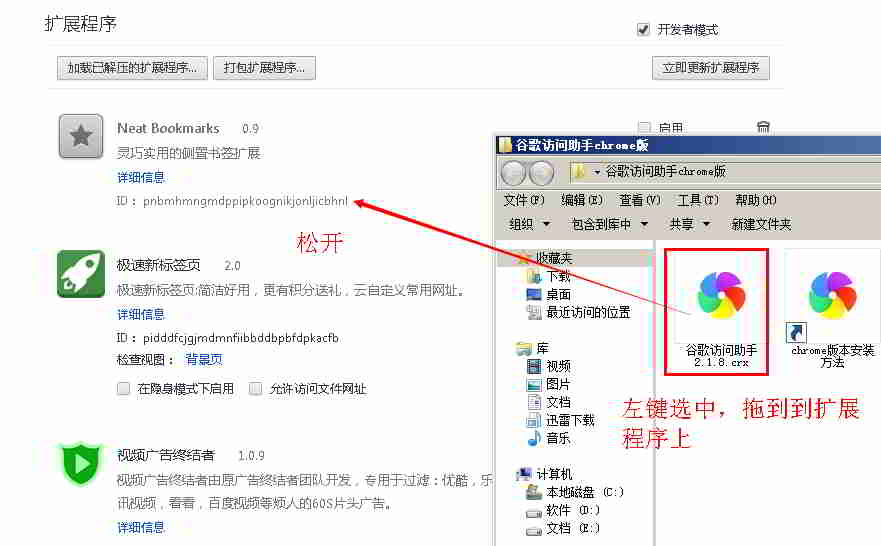
Step 5: Drag to extensions
- Left-click to select the Google Access Assistant extension.
- Drag to Chrome's extensions page ▼
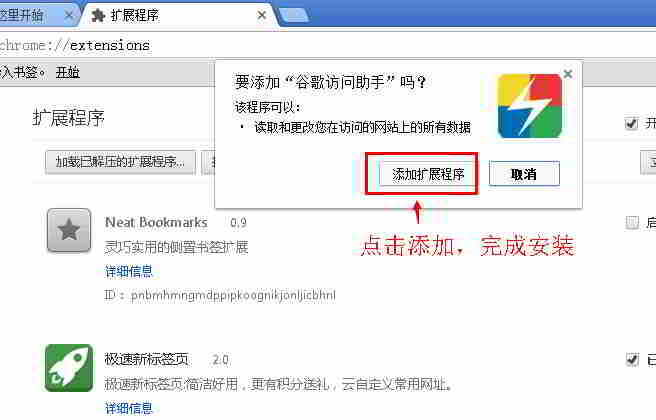
Step 6: In Chrome, click "Add Extension" ▼
Other browser plug-ins
You can also use other browser plug-ins, 360 browser, Cheetah browser, Sogou browser and Baidu browser to achieve the same function ▼
Attention points
Please note: It does not support Internet Explorer (IE browser).
- You must have a browser that supports plug-in applications to successfully open Google.
AOL Search
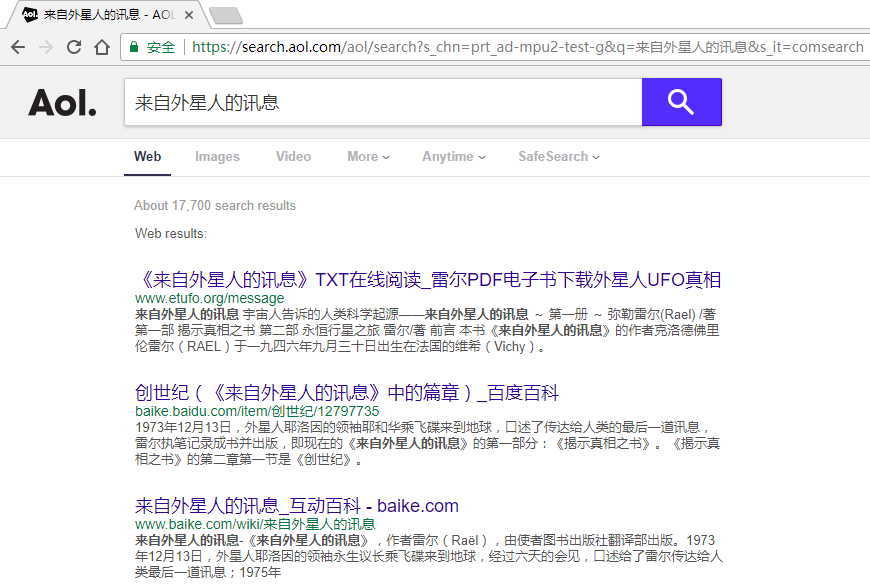
Actually, there's something called AOL Search, which some say calls Google data.
You can use AOL Search to see your site's Google ranking.
However, Chen Weiliang discovered that AOL's search results for " messages from aliens " differed somewhat from Google's SEO rankings.
The above are the solutions that Google can't open.
Baidu Tieba for sensitive words was shut down
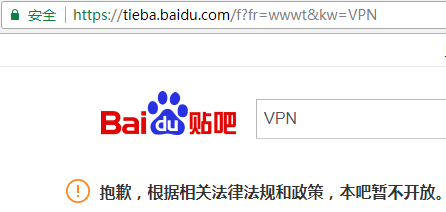
- Chinese netizens are banned from using suchsoftware,get on科学Go online.
- Chinese search engines, such as Baidu, also have difficulty finding such software.
- Since this is a forbidden sensitive word, it is inconvenient to share it here.
However, Chen Weiliang still has a way to help you find it ^_^
Extended reading:
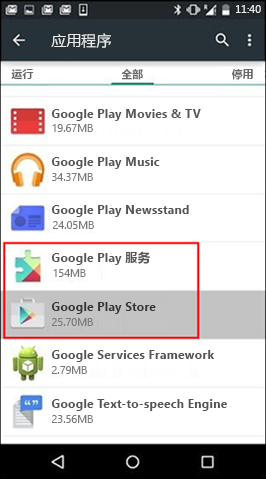
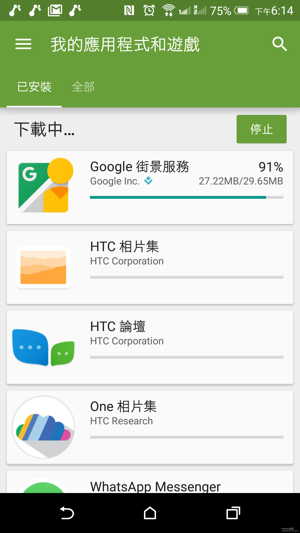
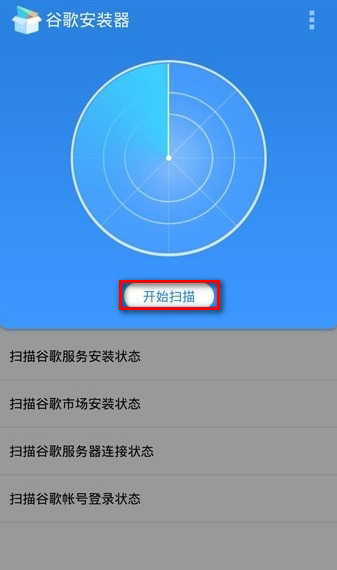
Hopefully, the article "What to do if Google's official website won't open? Solutions for Google search engine not opening" shared on Chen Weiliang's blog ( https://www.chenweiliang.com/ ) will be helpful to you.
Feel free to share this article's link: https://www.chenweiliang.com/cwl-674.html