
Article directory
I believe that many people will often prompt to update the Windows 10/11 system when using the Windows 10/11 system.
Sometimes the time to automatically update the Windows system is just when we urgently need to use the computer. The Windows update system is relatively slow and the waiting time is long.
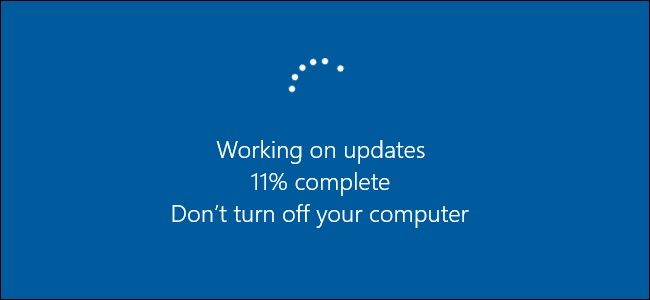
- It is just an update, and it is often failed to update, which affects our work or daily use.
- In fact, the Windows system can be used without updating, which is enough for us.
How to turn off the automatic update service of Windows 10 system?
Step ①:Open Run and use shortcut keys:Win+R
Step ②:Open the system service interface and enter the command:services.msc
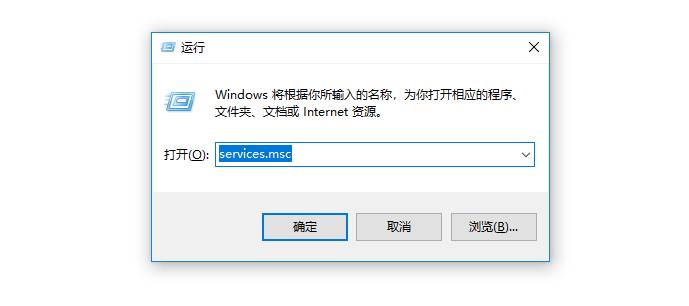
Step ③:After pressing OK, we open the Windows system service interface and find[Windows Update]
![③: After clicking OK, we open the Windows system services interface and find [Windows Update].](https://img.chenweiliang.com/2022/03/turn-automatic-updates-windows-10_003.jpg "③: After clicking OK, we open the Windows system services interface and find [Windows Update].")
Step 4: Right-click and find Properties
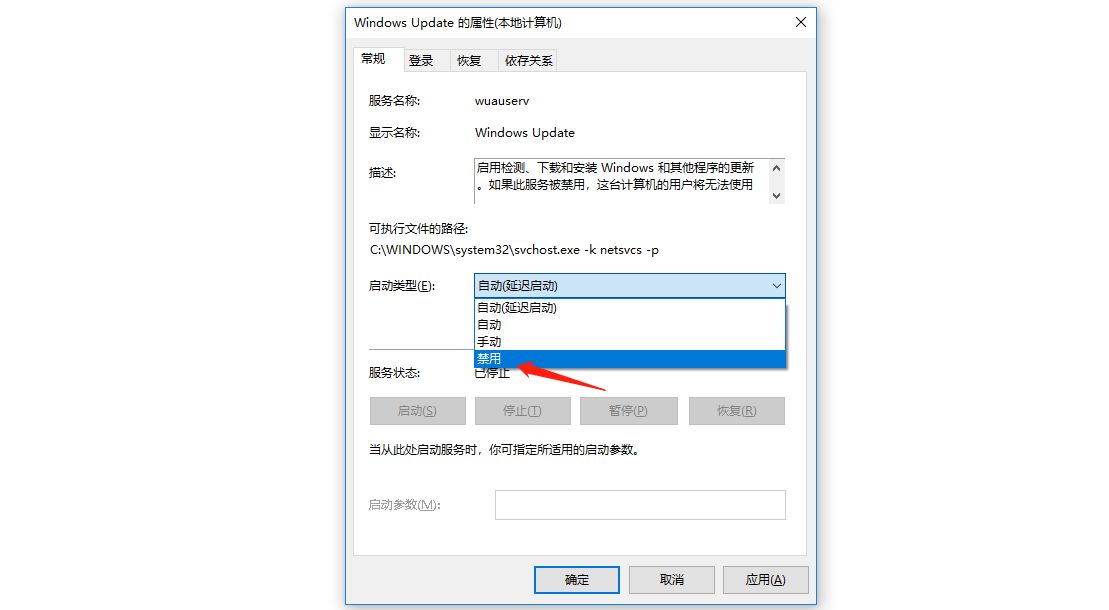
- Change the startup type to:
禁用
How to temporarily disable Windows 10 system patch update reminders?
- If you turn off Windows automatic updates, it will be inferior in terms of system functionality and security.
- You can use the same method to start the Windows Automatic Updater when you want to update your Windows system.
- Even if the Windows system automatic update reminder is turned off, the Windows system will automatically turn on when the major version is updated, which means that the automatic update reminder cannot be completely turned off.
Hopefully, the article "How to disable Windows 10 automatic update service? Temporarily disable patch notifications" shared on Chen Weiliang's blog ( https://www.chenweiliang.com/ ) will be helpful to you.
Feel free to share this article's link: https://www.chenweiliang.com/cwl-26686.html