
Article directory
What to do about HTML rendering errors in Windows 10? Troubleshooting Markdown Pad rendering component errors.
MarkdownPad 2 is a full-featured Markdown editor for Windows ( essential for new media managers; recommended for students at Chazuo Academy as well).
Markdown is a markup language that can be written using a plain text editor. Through simple Markdown markup syntax , plain text content can be formatted. Markdown is very suitable for online marketers to write copy and is definitely a powerful tool for writing online promotional copy!
- Official MarkDownPad website:http://markdownpad.com/
HTML rendering error
If you are a Windows 10 user and find that markdown cannot be previewed in real time, and HTML rendering errors occur, just install awesomium_v1.6.6_sdk_win and restart.
- HTML rendering error message:"An error occurred in the HTML rendering component. This problem can be solved by installing a missing component. Would you like to know more about this?"
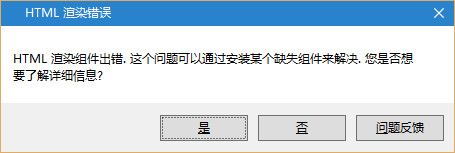
- awesomium_v1.6.6_sdk_win download address:http://markdownpad.com/download/awesomium_v1.6.6_sdk_win.exe
MarkdownPad 2 Professional Edition is free
MarkdownPad 2 is available in a free version and a professional version, with the professional version priced at $14.95 USD.
However, Chen Weiliang has decided to give away a free MarkdownPad 2 Pro Edition (valued at $14.95) to everyone! ^_^
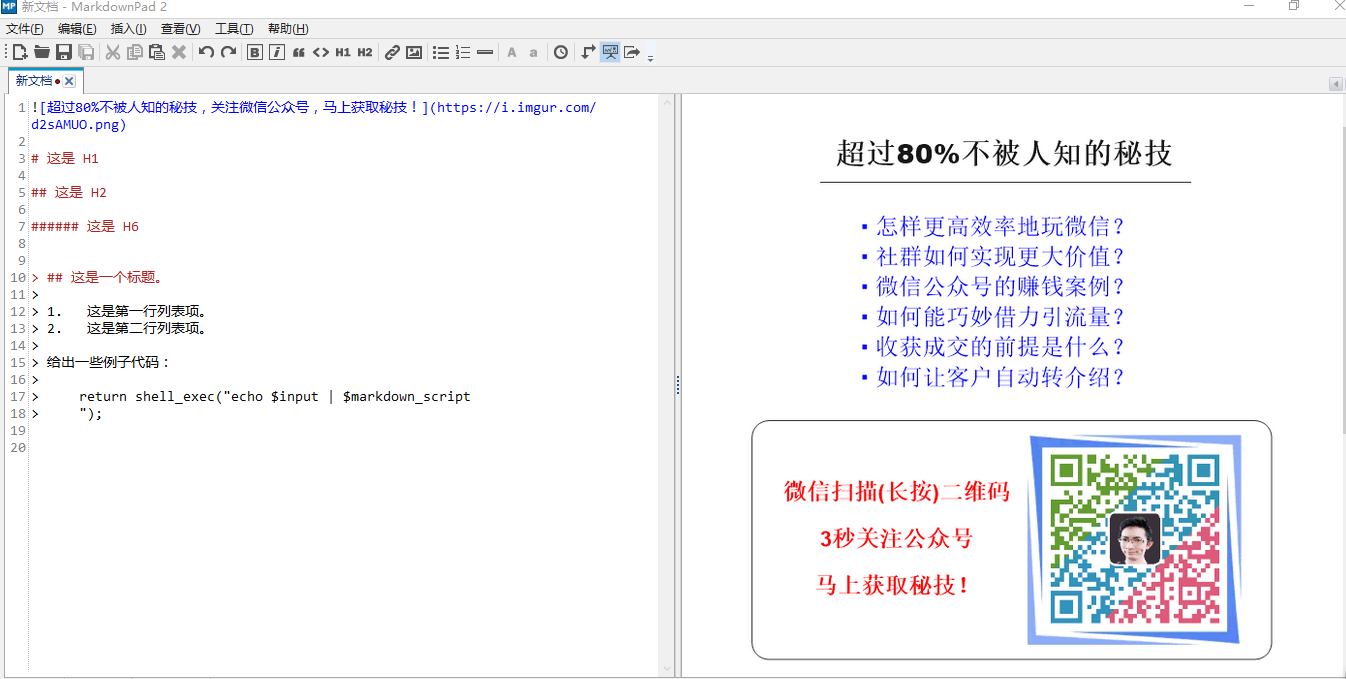
How to get Markdown Pad 2 Pro (Pro) for free?
- WeChat search public number:cwlboke
- After following, enter the keyword in the dialog box:MP2P
- Obtain Markdown Pad 2 ProDownload method.
Features
- Real-time preview
- Support a variety of markdown syntax formats, switch at will
- Support export to HTML/PDF
- Native support for Chinese language, easy to use
- Built-in image upload, syntax highlighting
Extended reading:
- What does Markdown mean? How to use Markdown syntax/formatting markup?
- How to quickly typeset the WeChat public account?Billionaire Li Xiaolai's layout takes only 1 second
- Markdown here plugin download: Chrome extension installation tutorial
- WordPress is pasted into the WeChat official account editor, how to make the article typesetting style not wrong?
Hopefully, the article "How to Fix HTML Rendering Errors in Windows 10? Troubleshooting MarkdownPad Rendering Component Errors" shared on Chen Weiliang's blog ( https://www.chenweiliang.com/ ) will be helpful to you.
Feel free to share this article's link: https://www.chenweiliang.com/cwl-480.html