
Article directory
Since Google has withdrawn from the Chinese market, as long as you surf the Internet in mainland China, you will encounter such problems:
- useGoogle search, google page won't open
- using google maps,Google Maps not opening
- useGoogle Play, app store not opening
The inability to use Google as usual is an extremely pressing problem for online marketers .
What is Google Scholar?
Google Scholar is a literature search service ▼
- At present, it mainly provides search services for various academic literature databases such as Weipu Information and Wanfang Data.
- We can only find "Reports, Abstracts and Citations" for these scholarly materials through Google Scholar.
- If we want to get the original files of these materials, we have to go to these content providers to pay download fees.
Why can't I open Google Scholar?
Since Google has withdrawn from the Chinese market, all Google services and Gmail emails are inaccessible in China, including Google Scholar, Google Store, and Google Maps.
This article will teach you how to use Google in your country.
How to open Google Scholar?
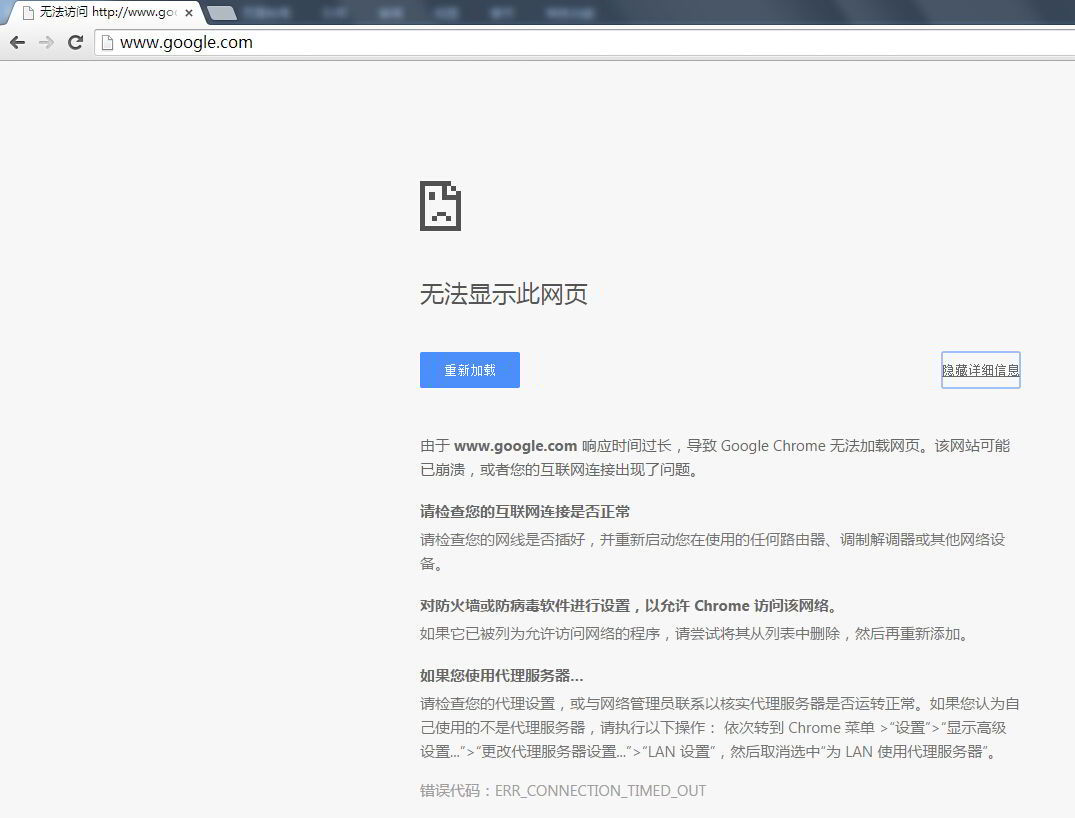
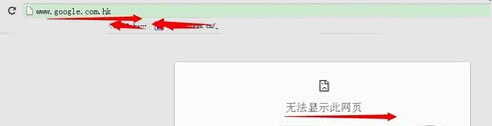
If you open Google directly in China, there will be a prompt "This page cannot be displayed"▼
Here, we can use tools (accelerators) to access the internet freely .
Method XNUMX: Google Access Assistant (Computer)
Google Access Assistant is a free Google service proxy plugin.
It allows you to quickly access most Google services from your computer without configuration, such as:
- Google search
- 谷 歌 地图
- Google Mail Gmail
Step 1: Search Google Access Helper
Search and download the appropriate plug-in version according to your browser ▼
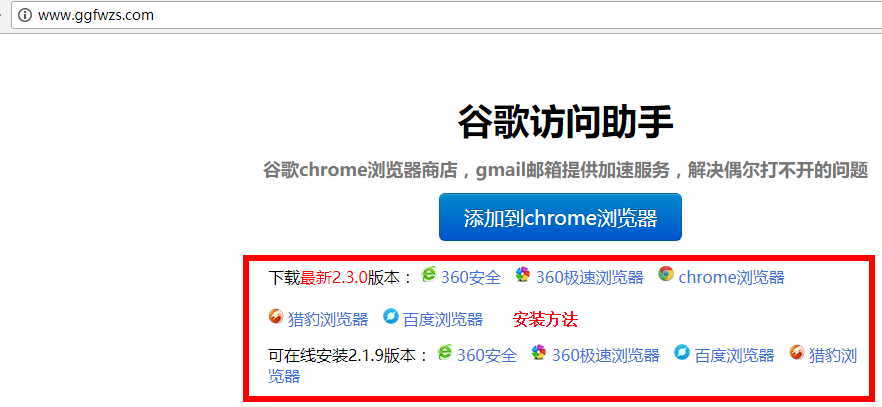
The official website provides plug-ins for the following browsers ▼
- 360 Safe Browser
- 360 Fast Browser
- Chrome browser
- Baidu browser
- Cheetah Browser
- Sogou browser
- UC Browser
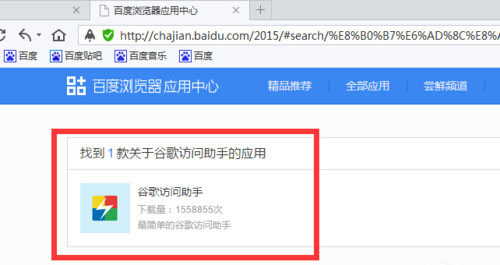
Step 2: Install the Google Access Helper plugin ▼
Step 3: Click the "Permanent Free Activation" button ▼
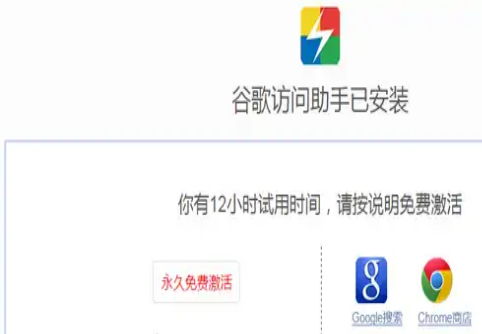
- Follow the webpage prompts to set the browser to the specified homepage (360 navigation or hao123 navigation), so that the plug-in can be used for free forever.
- After "installing Google Access Assistant", you can successfully open Google Maps on your computer.
Method XNUMX: Google Installer (Mobile)
Step 1: Download the Google Installer
Search and download "Google Installer" on Baidu, install it on your phone and open ▼
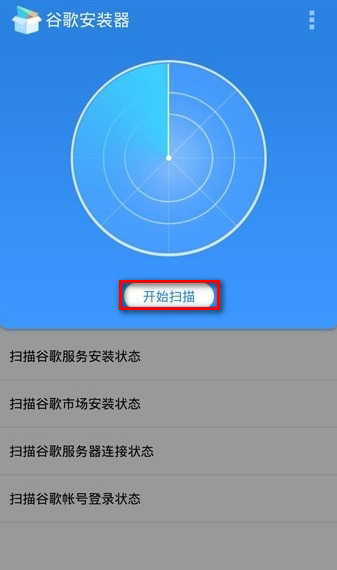
Step 2: The problems found will be displayed in the scan results ▼
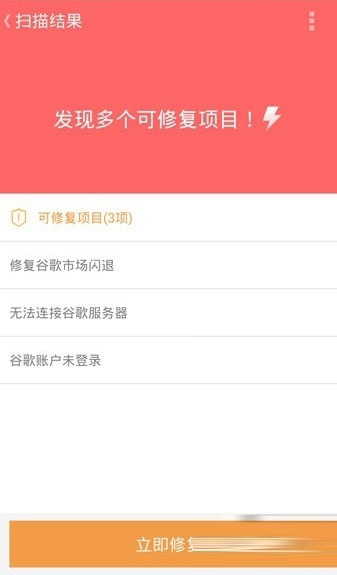
Click "Fix Now" to fix it ▲
Step 3: Use a mobile VPN
If your mobile phone can not "scientific Internet access", it will prompt and help you to download ▼
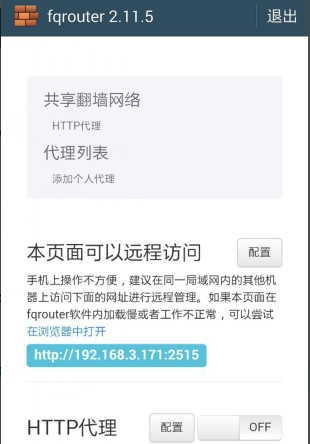
- Or you can download the fqrouter2.11.5 software manually, you can choose without ROOT,
- Click on the phone to agree to the installation, and finally jump to the settings page.
Step 4: Install Google Play Store
The program will automatically download and install the Google Store.After the installation is complete, a prompt will pop up ▼
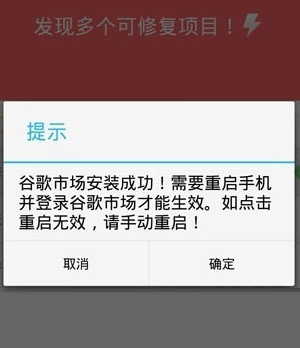
- "Google Market is successfully installed! You need to restart your phone and log in to Google Market to take effect. If clicking restart doesn't work, please restart manually!"
- Click the "OK" button to restart the phone.
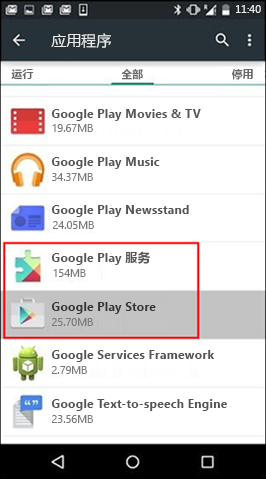
- Some phones have Google Play, you don't need to download it, but remember to activate Google Play.
- Start Google Play:Phone Settings → General / Application Manager → Google Play Store to start.
Step 5: After restarting your phone, the following prompt will appear ▼
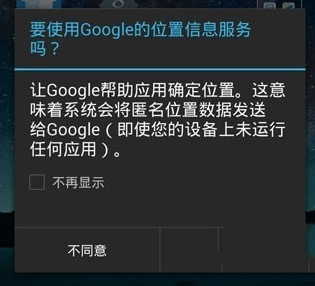
- Select "Don't show again" and click the "Disagree" button.
- Then, wait for it to help you install and troubleshoot.
- After the problem is resolved, as long as you can open Google Search, you can open Google Maps.
Check IP address
After you can connect successfully, please check if the IP address is abroad?
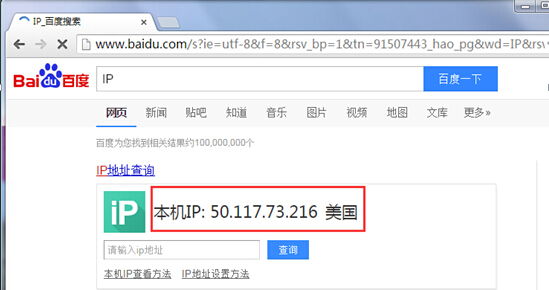
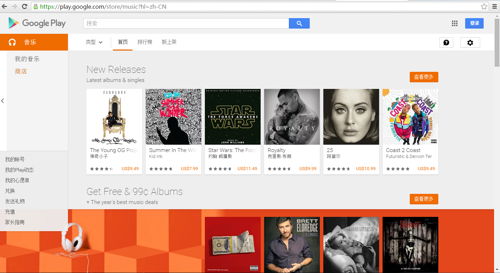
- Then, seeFacebook.Youtube, Twitter, Ins, Tumblr, Google and other foreign websites can be accessed as usual?
Notes & Tips
- 1) Select a dedicated line connection, it will be smoother;
- 2) In order to better use Facebook's foreign websites, the US line is the first choice, and the acceleration effect will be great!
Extended reading:
Hopefully, the article "What to do if you can't open or access Google Scholar? Scholar search entry tips" shared on Chen Weiliang's blog ( https://www.chenweiliang.com/ ) will be helpful to you.
Feel free to share this article's link: https://www.chenweiliang.com/cwl-685.html